
Black Friday

2× credits on credit packs and your first month. Yearly plans get 6 extra months of credits.

Ends Dec 1, 11:59 pm PTGet the deal

Extract Frames from Video as PNG, JPG or WebP Stills

Pick every frame, every Nth frame or 1 frame every few seconds from an MP4, MOV or WebM clip, then save PNG, JPG or WebP stills in one ZIP. It's a free, no-upload way to extract frames from video.

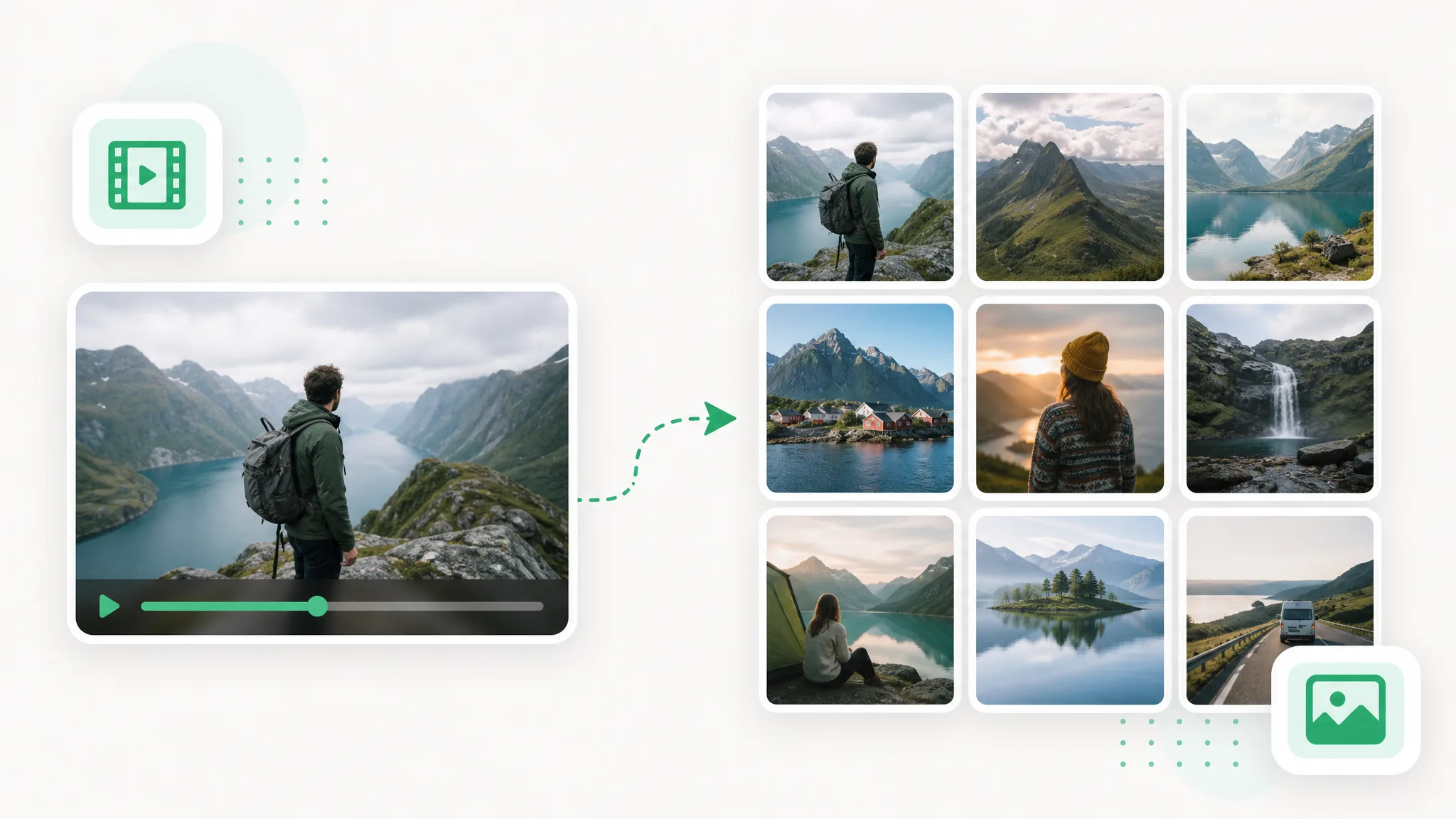
A hiker with a backpack overlooks a fjord in a video player, and an arrow leads to a grid of nine landscape stills.
  • Free
  • No sign-up
  • No upload
  • No watermark
  • PNG, JPG or WebP frames
  • Runs in your browser

Sample results

Turn video into frames: one moment, then nine stills

Each slider opens on the first moment of a sample clip and slides to 9 stills pulled from that same clip every 0.5 seconds, laid out as a grid. A video to frames run at that interval saves each still as its own numbered image file.

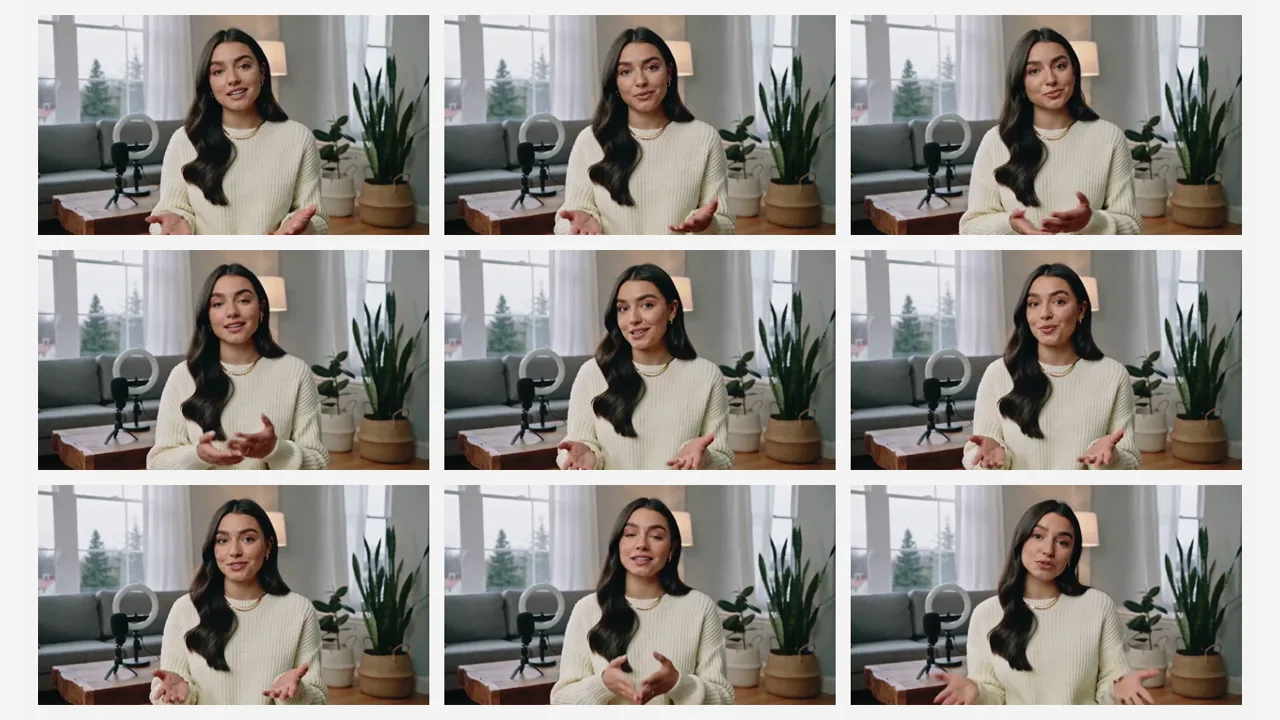
Presenter clip as 9 stills: A talking-head take in a living room, sampled every 0.5 seconds into 9 frames
Unedited source frame for the “Presenter clip as 9 stills” example
BeforeAfter

Presenter clip as 9 stills

A talking-head take in a living room, sampled every 0.5 seconds into 9 frames.

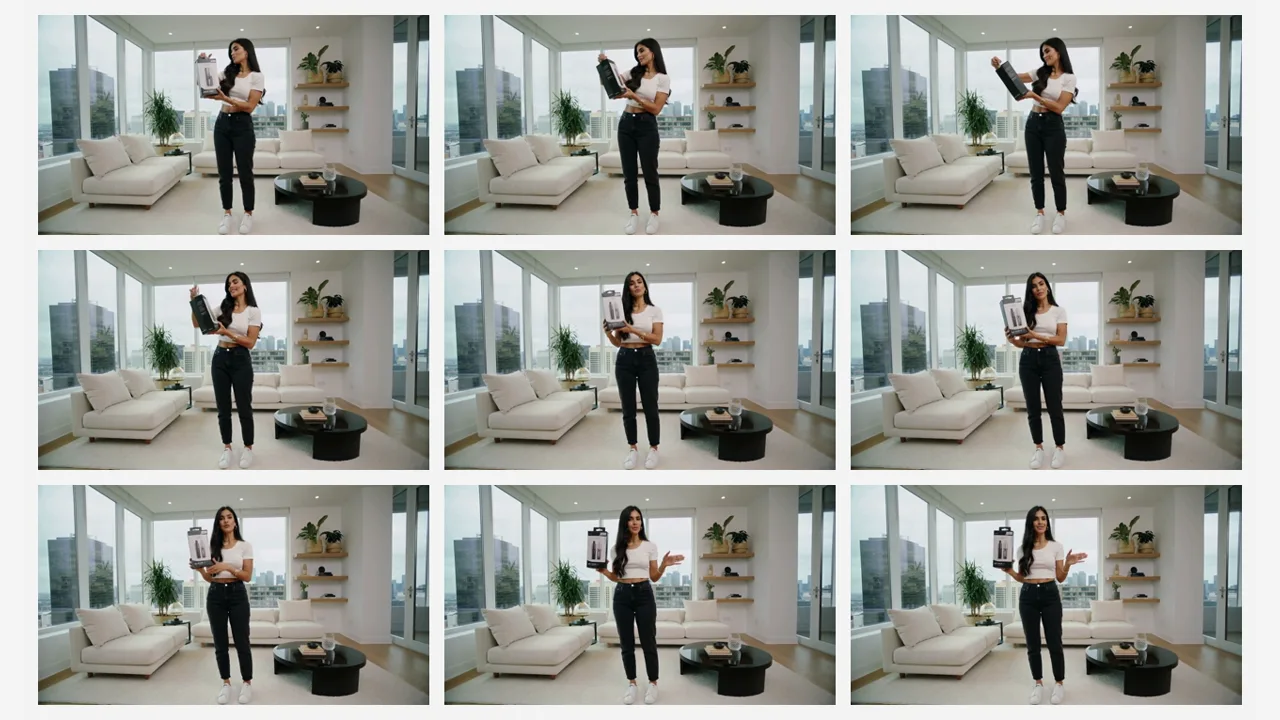
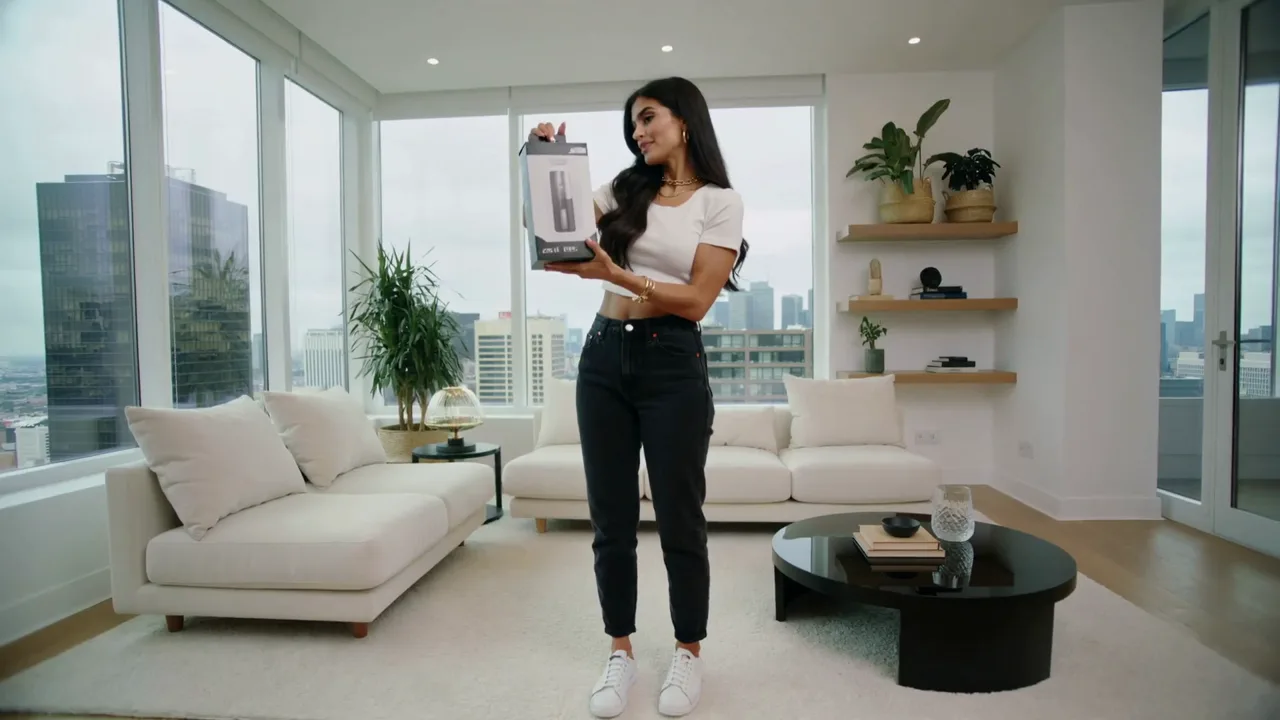
Product demo as 9 stills: A woman lifting a product box, saved as 9 frames 0.5 seconds apart to pick a thumbnail
Unedited source frame for the “Product demo as 9 stills” example
BeforeAfter

Product demo as 9 stills

A woman lifting a product box, saved as 9 frames 0.5 seconds apart to pick a thumbnail.

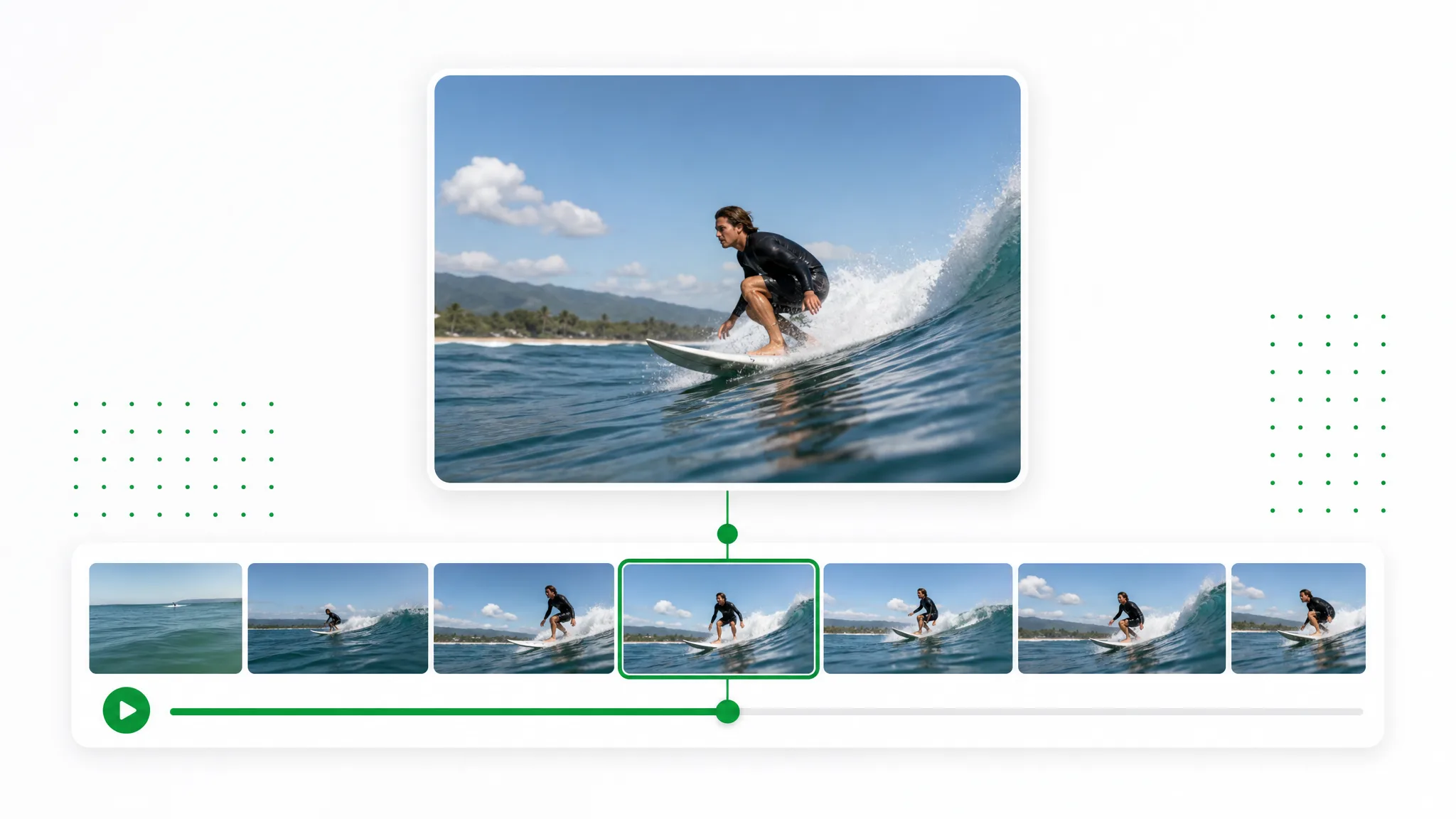
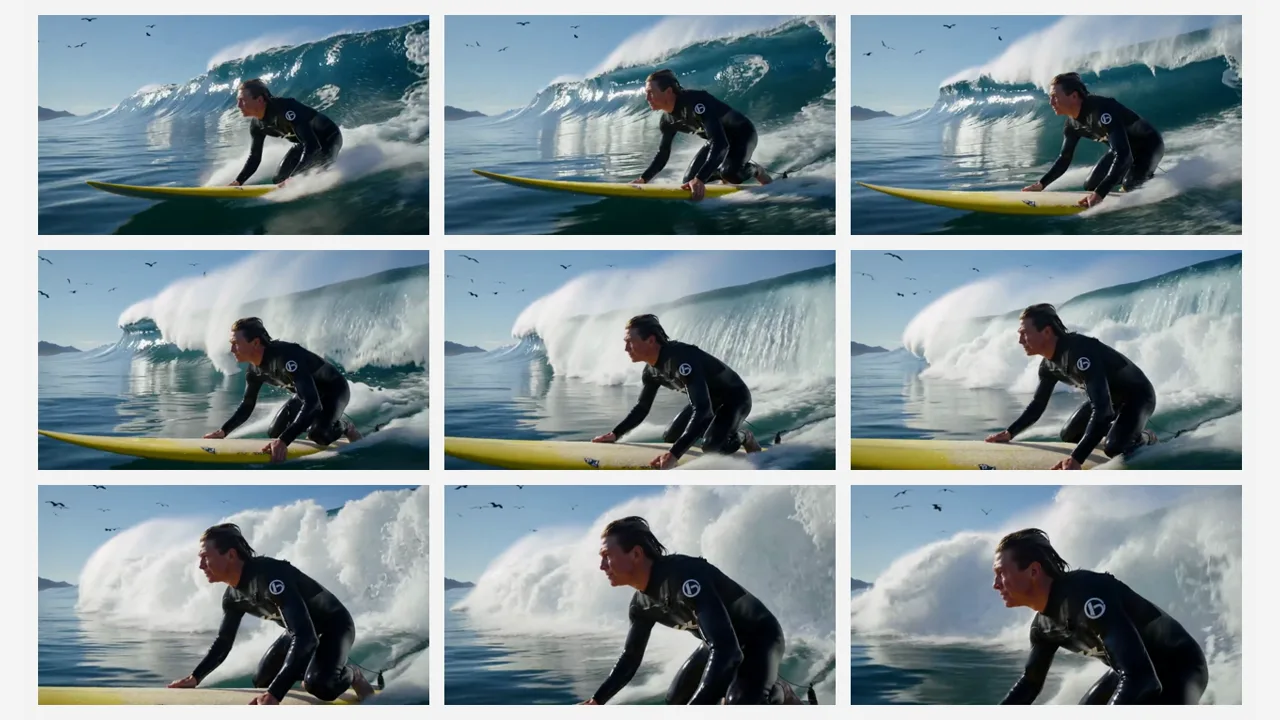
Surf clip as 9 stills: Turn video into frames for motion study: a surfer on a breaking wave, 9 stills at 0.5-second steps
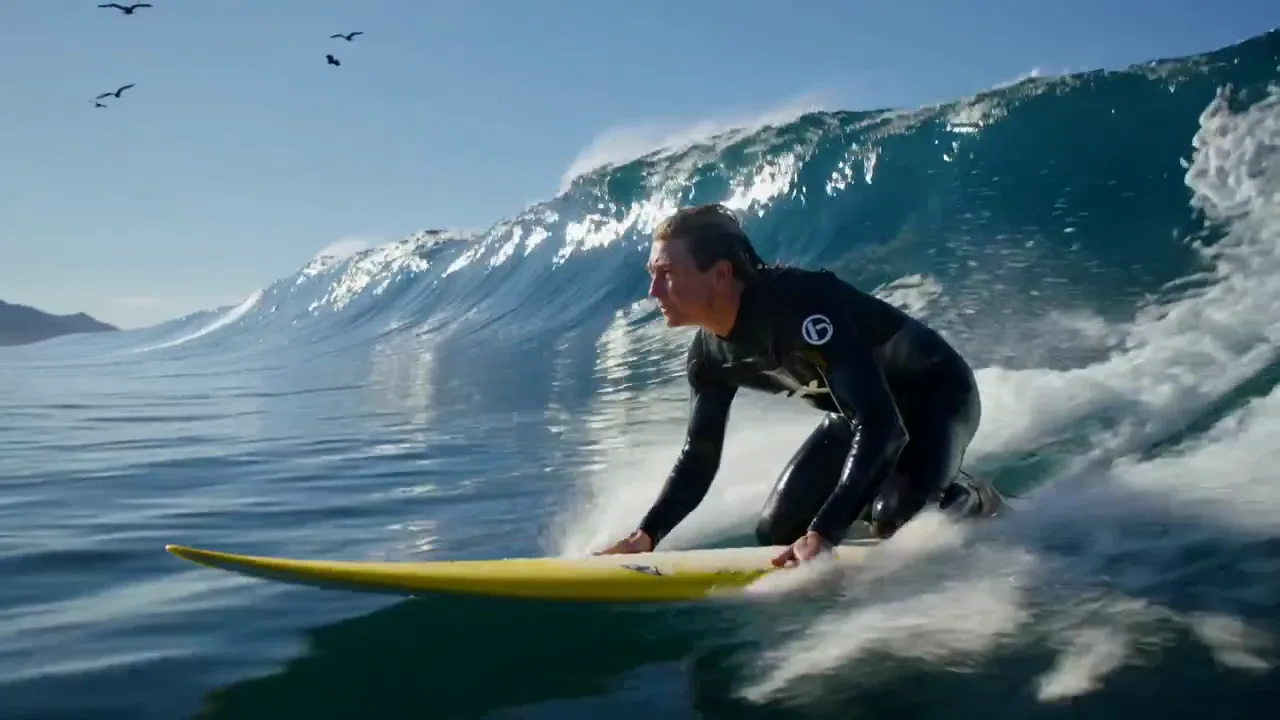
Unedited source frame for the “Surf clip as 9 stills” example
BeforeAfter

Surf clip as 9 stills

Turn video into frames for motion study: a surfer on a breaking wave, 9 stills at 0.5-second steps.

Settings and output

What you control when you extract frames from video

Four choices shape the result when you extract frames from video here: how often a frame is captured, which image format it becomes, where the decoding happens, and how the finished set reaches your folder.

Sample by seconds, by frame count or every frame

Long clips hold thousands of frames, far more than most projects can use. This page can extract frames from video at 1 frame every N seconds for an even overview of the clip, keep every Nth frame (any value from 1 to 1,000) for a lighter sequence, or use Every frame for frame-by-frame study. The estimate under the settings, based on 30 fps, updates as you change them.

Choose a Sampling Mode
A filmstrip of hiking shots with four frames lifted out at even gaps, above a five-step dot density selector.

PNG, JPG or WebP at the clip's own resolution

Every frame keeps the width and height of the source video, so a 1080p clip gives 1920 × 1080 images and a 4K clip gives 3840 × 2160. PNG is lossless and suits frames you plan to retouch, while JPG and WebP files are smaller and come with a quality slider from 10 to 100. Choose the format before you extract frames from video and the whole set arrives in it, with no second conversion step.

Save Frames as PNG or JPG
The same frame of a cyclist on a coastal road shown in three sizes, each with a thin green outline.

Free, private processing in your browser

Decoding happens on your own computer through WebCodecs, the video engine built into current Chrome and Edge. Your clip stays on your device, there is no account to create, no credits to spend and no watermark on the images, so you can extract frames from video of client work, unreleased products or family moments as often as you like.

Extract Frames Privately
A browser window plays a hiker by a lake over a frame strip, flanked by a padlock, a laptop and checked thumbnails.

A numbered ZIP or single frames, ready to sort

Download All (ZIP) packs every frame into frames.zip, with names such as frame_0001_1.23s.png that record the order and the timestamp of each image. Prefer one picture? Click its thumbnail in the preview grid and that file saves on its own. The grid previews the first 60 frames, and the ZIP carries the full set from the first frame to the last.

Get Every Frame in a ZIP
A grid of twelve frames of a dancer in a bright studio beside a folder with a green download arrow.

Three steps

How to convert video to frames in three steps

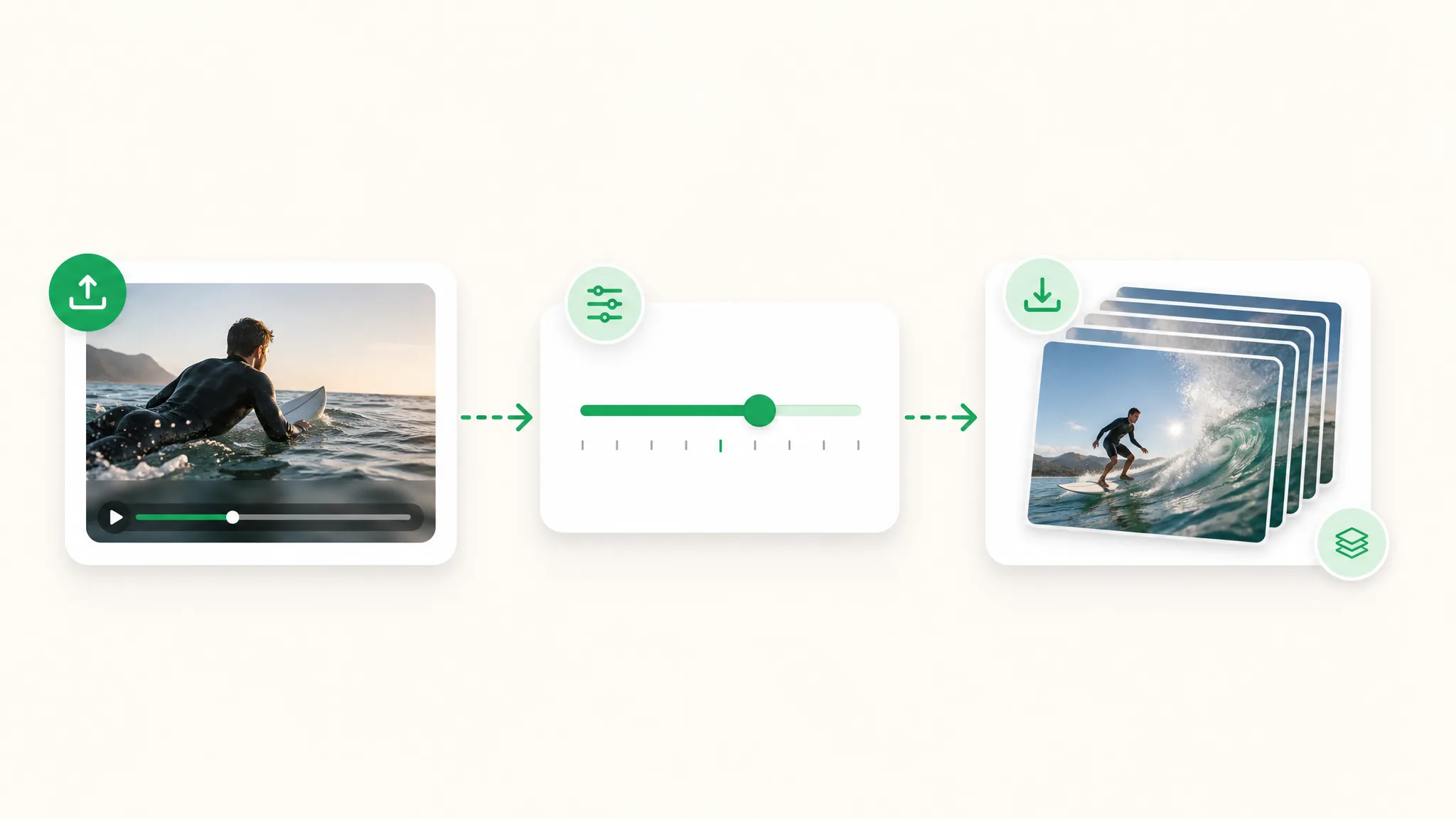
To convert video to frames, open the clip, choose a sampling mode and an image format, then check the preview and download a ZIP. All three steps run in your browser tab.

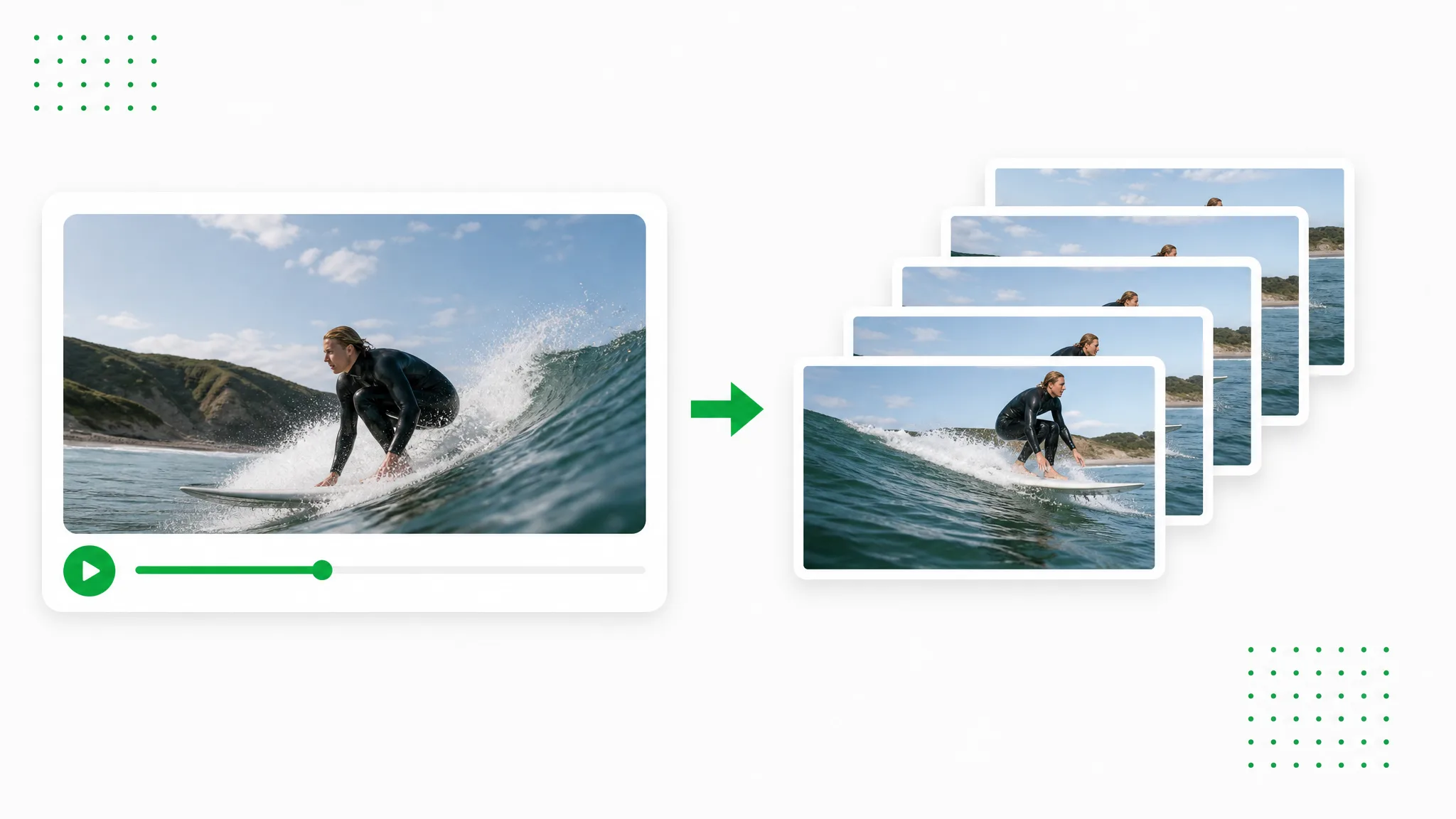
A surfer paddles out in a video clip, a settings slider sits in the middle, and a stack of surfing stills waits to download.
  1. 1

    Open your video clip

    Drop an MP4, MOV or WebM file of up to 100 MB onto the upload box, or start with one of the sample clips. The file opens inside your browser tab, so you can extract frames from video recorded on a phone, a camera or a screen recorder while it stays on your computer.

  2. 2

    Choose the sampling and image format

    Set how often to extract frames from video: an interval of N seconds (1 second by default, as low as 0.1), Every Nth frame, or Every frame. An estimate based on 30 fps shows roughly how many images you will get. Pick PNG for lossless files, or JPG or WebP with the quality slider, then press Extract Frames.

  3. 3

    Check the frames and download them

    Scroll the preview grid to confirm the moments you wanted are there; it shows the first 60 frames, and the ZIP holds all of them. Click Download All (ZIP) for the full set, or click one thumbnail to save just that image. Each file name carries its frame number and timestamp, so the order stays intact in any folder.

Project ideas

Why people split video into frames

People split video into frames when one sharp moment, a sequence of movement or a large set of images is worth more than playback. These four projects show where the stills go after you extract frames from video.

Thumbnails and social images

Instead of pausing and taking a screenshot, extract frames from video at a short interval and pick the sharpest shot from the grid. The still has the full resolution of the clip and no player controls across it, so it is ready for a YouTube thumbnail, a cover image or a carousel post once you add text in your editor.

A grid of nine beach frames of a laughing woman, with one picked out and shown larger as a thumbnail.

Image datasets for computer vision

Machine learning projects need many labeled images, and footage you already own is a ready source. Extract frames from video every 1 or 2 seconds so neighboring images differ from each other, choose JPG to keep the folder small, and load the numbered files into your labeling or training tool.

A filmstrip and a grid of outdoor stills feed a network icon that leads to one large lakeside frame of a hiker.

Sports and motion analysis

A coach or athlete can study a stride, a swing or a jump one position at a time. Choose Every frame, or Every Nth frame at 2 or 3, when you extract frames from video of the movement, then lay the stills side by side to compare joint angles, timing and posture.

Eight consecutive frames of a sprinter on a running track, each showing a slightly different stride.

Storyboards and reference boards

Filmmakers, animators and designers pull reference stills from rehearsal footage, location scouts and their own test shoots. A sampled set makes it easy to choose key moments for a storyboard, a mood board or a color palette, and PNG keeps the detail you want for tracing or picking colors.

Six stills of two actors rehearsing on a dark stage, laid out in two rows like a reference board.

Creator stories & examples

What people make when they extract frames from video

“My trail-running vlog needed a cover image that matched the episode. I set the tool to extract frames from video every half second along the ridge section, scrolled the grid and found the one stride where both feet were off the ground. The PNG came out at the full 4K size of the clip, so I could crop it tight and keep it sharp.”
Jonah PryceTrail Running Vlogger

Questions

Extract frames from video: questions and answers

Answers about frame counts, formats, privacy and cost, drawn from what people ask before they extract frames from video.

To extract frames from video means saving individual pictures from a clip as image files. A video is a rapid series of still frames, usually 24 to 60 per second, and this page decodes them in your browser and writes the ones you select as PNG, JPG or WebP images.

Reviewed by RemoveVideoBG TeamUpdated

Turn video into frames with your next clip

Bring the clip you keep pausing and screenshotting. Open it here, choose an interval or every frame, and download PNG, JPG or WebP stills in one ZIP. Extract frames from video for free while the file stays in your browser.

Extract Frames from Your Video