Black Friday

2× credits on credit packs and your first month. Yearly plans get 6 extra months of credits.

Ends Dec 1, 11:59 pm PTGet the deal

Screenshot From Video for Thumbnails and Slides

Choose the expression, action or composition worth keeping. Save a screenshot from video as PNG, JPG or WebP for a cover, presentation or visual reference.

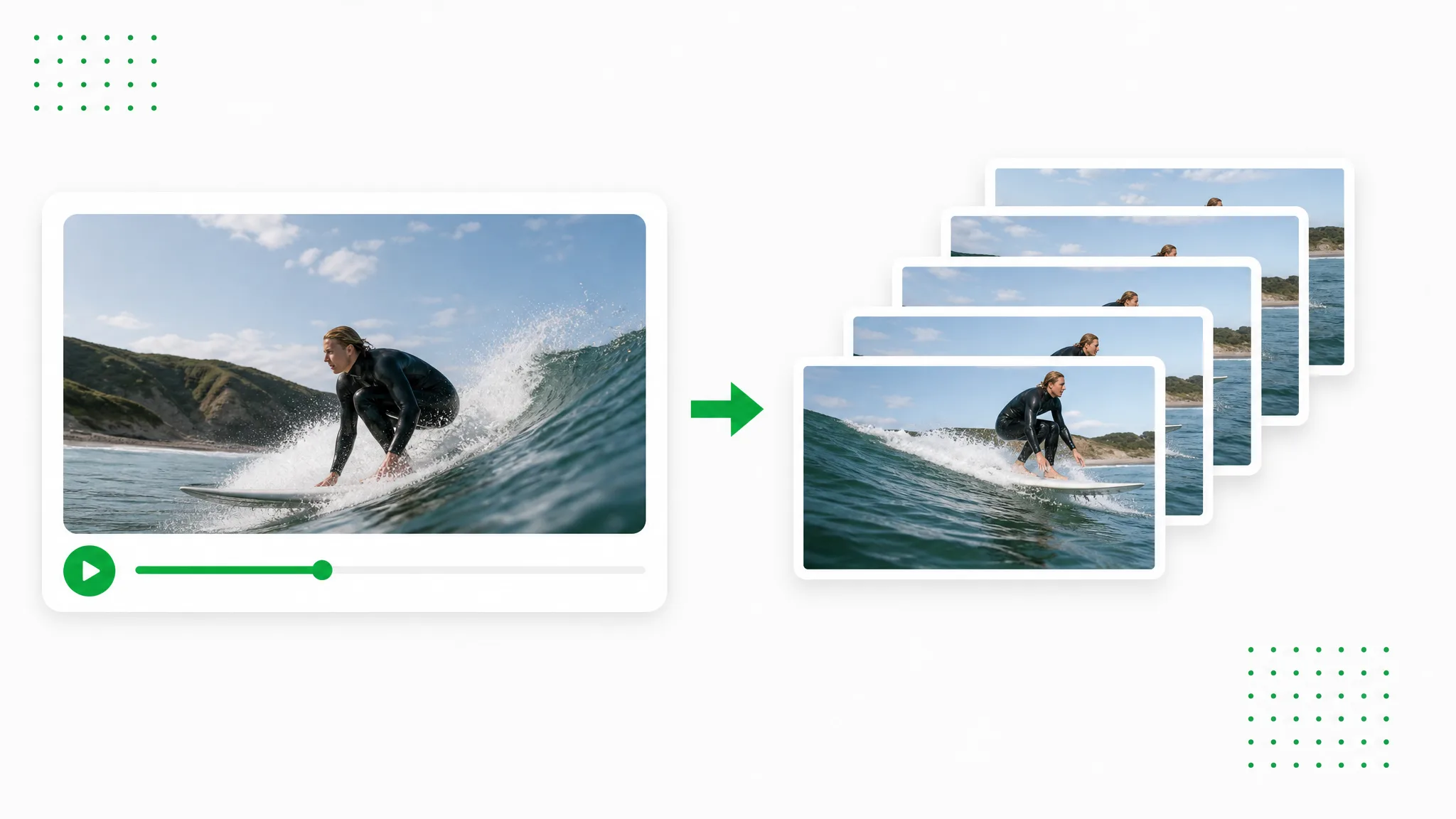
A surfer in a video player above a filmstrip, with one surfing frame lifted out as a separate still.
or drop a file hereMP4, MOV, WebM
No video? Try one of these:
  • Local processing · No account · No credits
  • No watermark
  • PNG, JPG or WebP stills

Shared clip examples

Source Clips for a Screenshot From Video

These source clips accompany the site’s background-removal examples. For a screenshot from video, choose a moment from your own recording and save its full picture in the workspace above.

BeforeAfter

Creators & vloggers

A presenter prepared as a separate subject for another scene.

BeforeAfter

Sports & action

An action example showing the subject cut out on a transparent background.

BeforeAfter

3D character animation

An animated character shown separately from its original setting.

BeforeAfter

Game & VFX characters

An armored fantasy game character with a cape, cut out from its night-time landscape.

BeforeAfter

Social UGC & hauls

A creator and product example with the background removed.

BeforeAfter

AI & CGI footage

A sci-fi spaceship flying through storm clouds, cut out from the sky.

Choose the useful moment

A Screenshot From Video at the Moment You Choose

Use this video frame grabber to select a picture separately from the player. Compare nearby moments and keep the still that best explains the recording.

Pause on the action

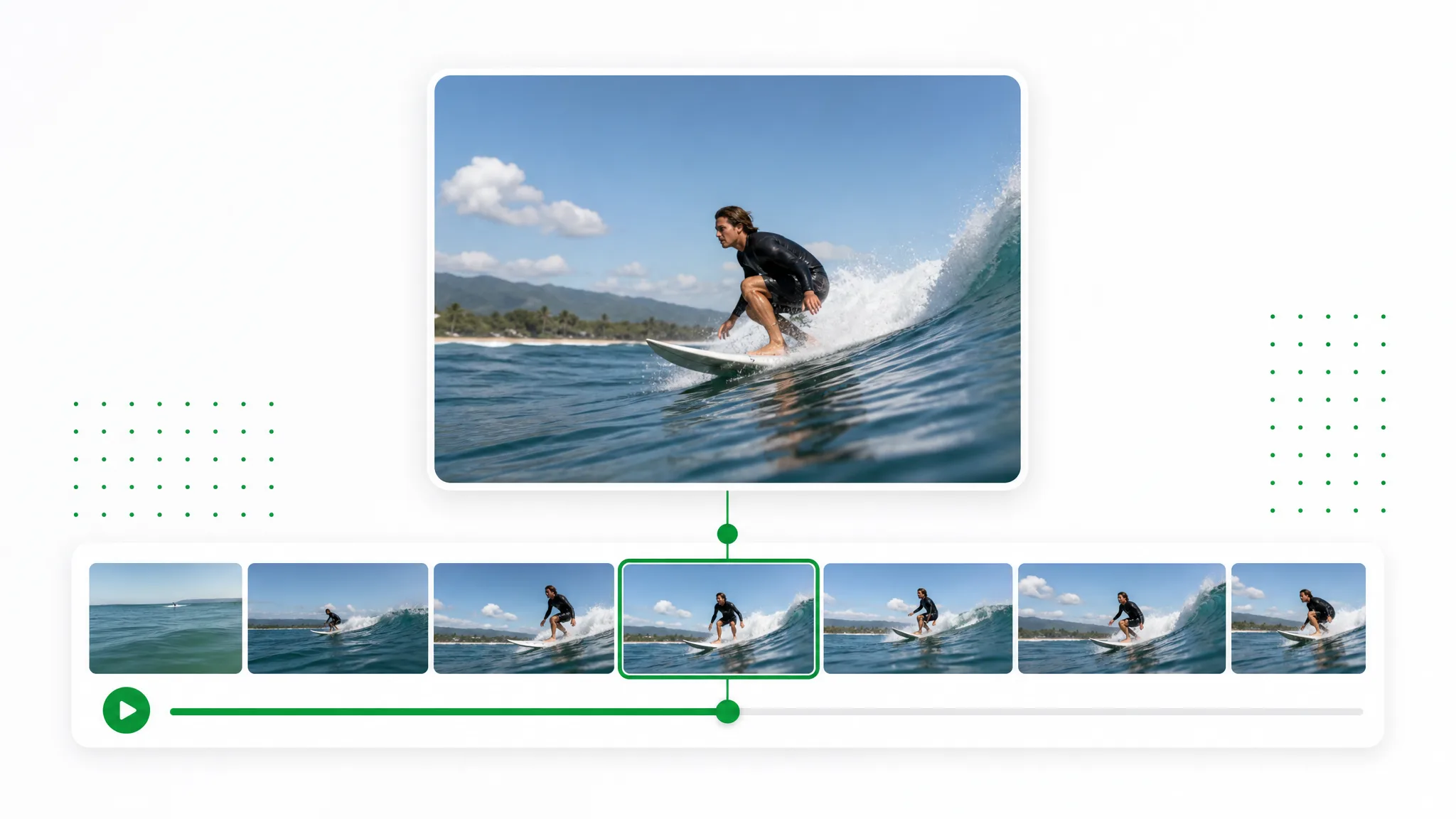
A screenshot from video works best when the moment says something on its own. Move through the recording to compare a gesture, a wave or a demonstration step before capturing. The timeline illustration shows the choice between nearby moments; your saved picture is the selected frame rather than a strip of all of them.

Create a Transparent Clip
A surfer riding a wave above a strip of nearby moments from the same recording.

Download a clean still

Keep a screenshot from video as an image file that opens independently of the recording. The output contains the video picture rather than the surrounding playback controls. Choose a format for the next project, download it and check the result before adding a title, a crop or other finishing touches in your usual editor.

Use Your Own Footage
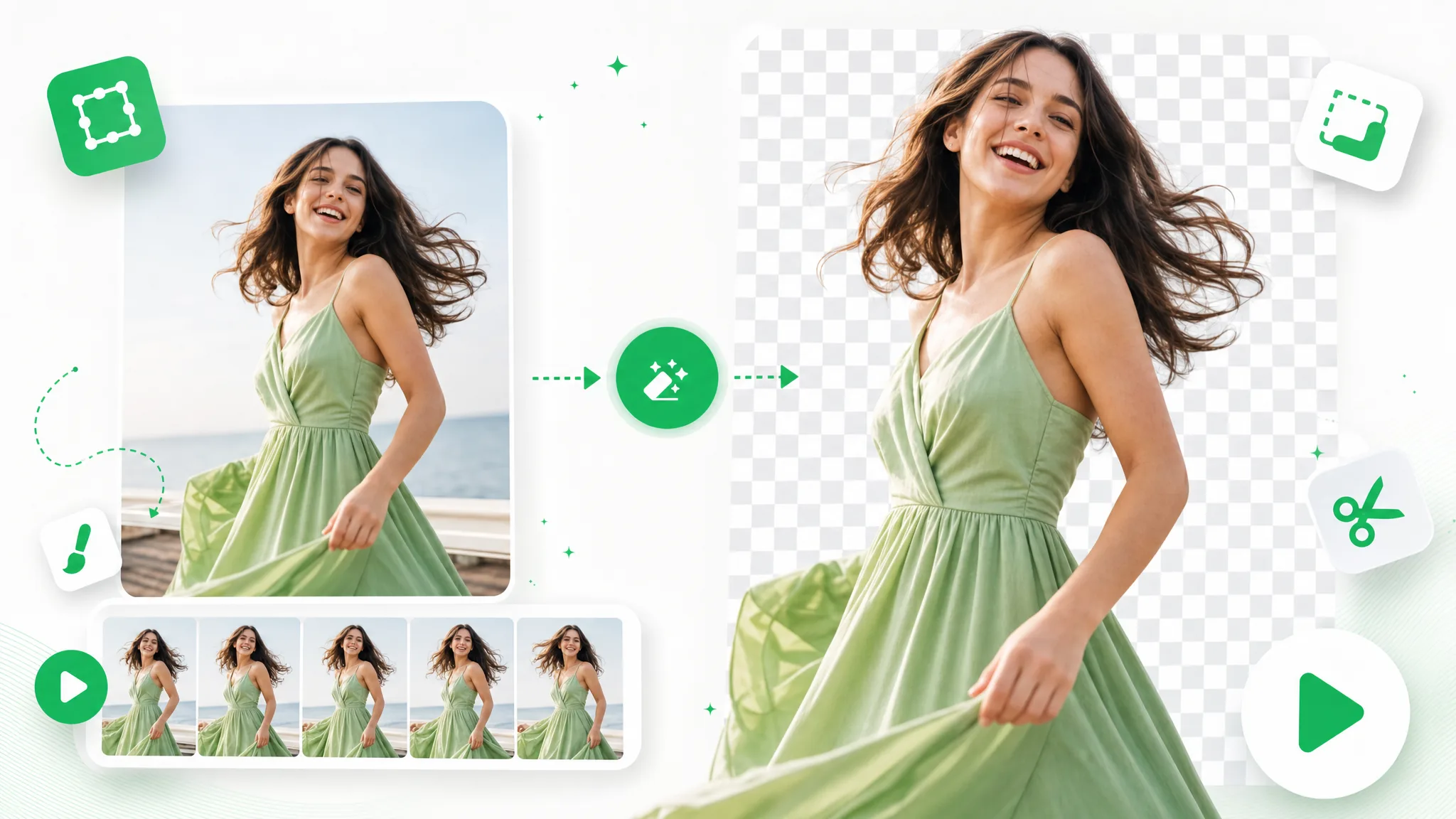
A woman in a video still beside an image download button.

Compare expressions before deciding

A small change in head position or camera movement can make a screenshot from video more useful. Review the moments around a smile or a settled pose and choose the clearest one available. The tool preserves the recorded image dimensions, while the focus and movement in the source determine how much detail the still contains.

Cut Out Your Brand Video
A hiker in a landscape with a filmstrip of nearby moments below.

Collect references one at a time

Use the video frame grabber again whenever another moment would help explain the recording. Save a landscape, a close-up or the end of an action as an individual file. Keep the pictures alongside the original clip and arrange them in your own reference board; the illustrated board is a possible destination for those stills.

Start With One Clip
A board of travel stills arranged as references from a recording.

Open, choose, inspect

How to Save a Screenshot From Video

To save a screenshot from video, open a playable recording, locate one useful frame and download it. Check the saved picture before placing it in the final design.

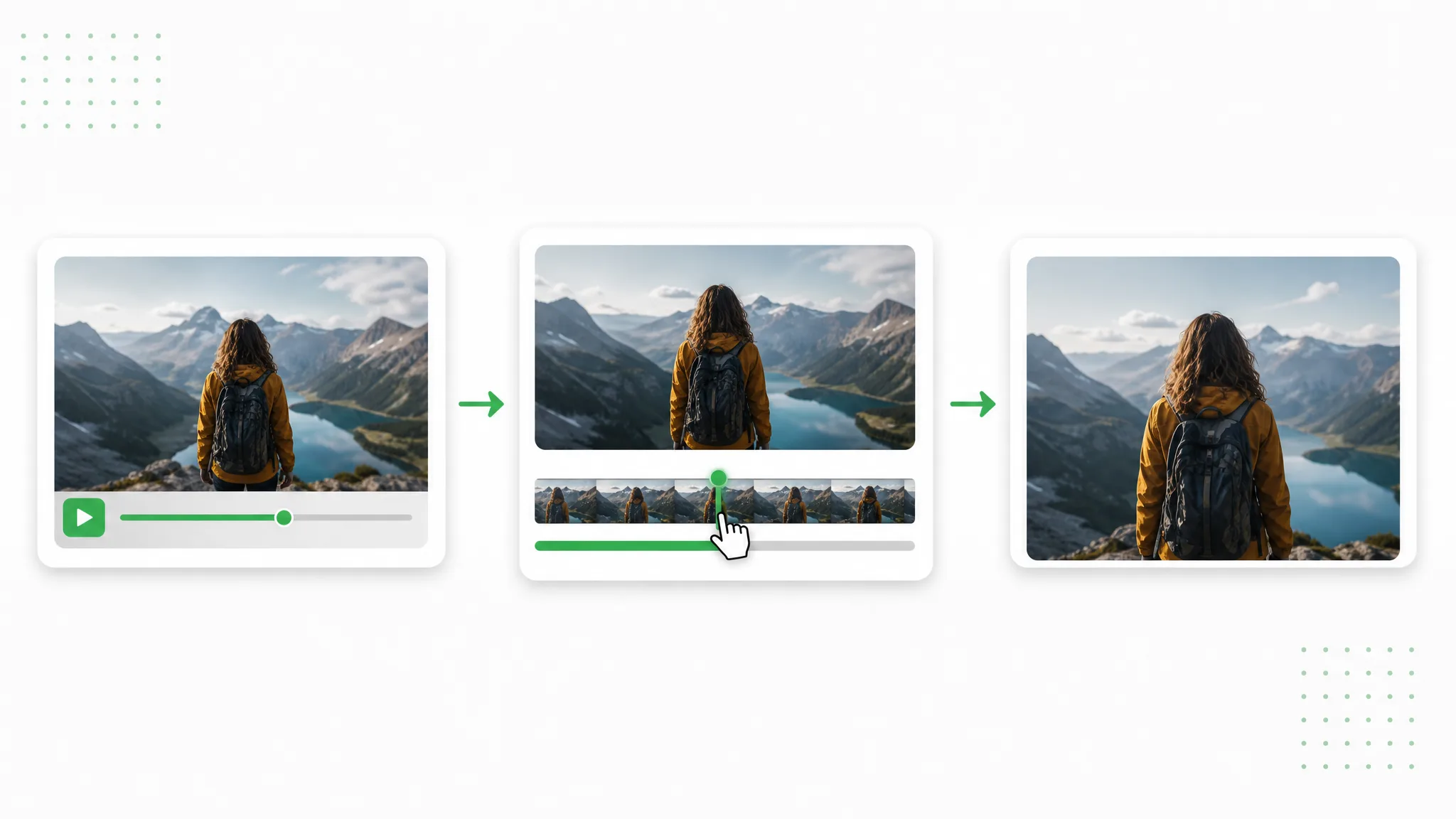
Three panels show a hiker at a mountain lake: the source video, a timeline selection and the chosen still.
  1. 1

    Open your source video

    Choose an MP4, MOV or WebM that your browser can play. The video frame grabber opens the recording on your device. Use the original file when possible so the picture starts with the detail already present in the recording.

  2. 2

    Find the picture to keep

    Pause near the moment you want, then move the timeline or step controls to compare nearby expressions and positions. Choose a settled frame with readable details. This screenshot from video captures the displayed moment rather than the whole player window.

  3. 3

    Save and inspect the still

    Select PNG, JPG or WebP and download your screenshot from video. Open it at full size to check focus, motion blur and composition before using it in a thumbnail or slide. To save another moment, reposition the playhead and capture again.

Give the still a purpose

Where a Screenshot From Video Helps Explain the Story

A screenshot from video can introduce a recording or make its details easier to discuss. Choose the image for the place it will appear.

Creators choosing a cover

A creator can take a screenshot from video when a recorded expression introduces the subject better than a separate photograph. Compare a few candidate moments, save the chosen still and add the cover design in an image editor. The selection grid illustrates that editorial choice.

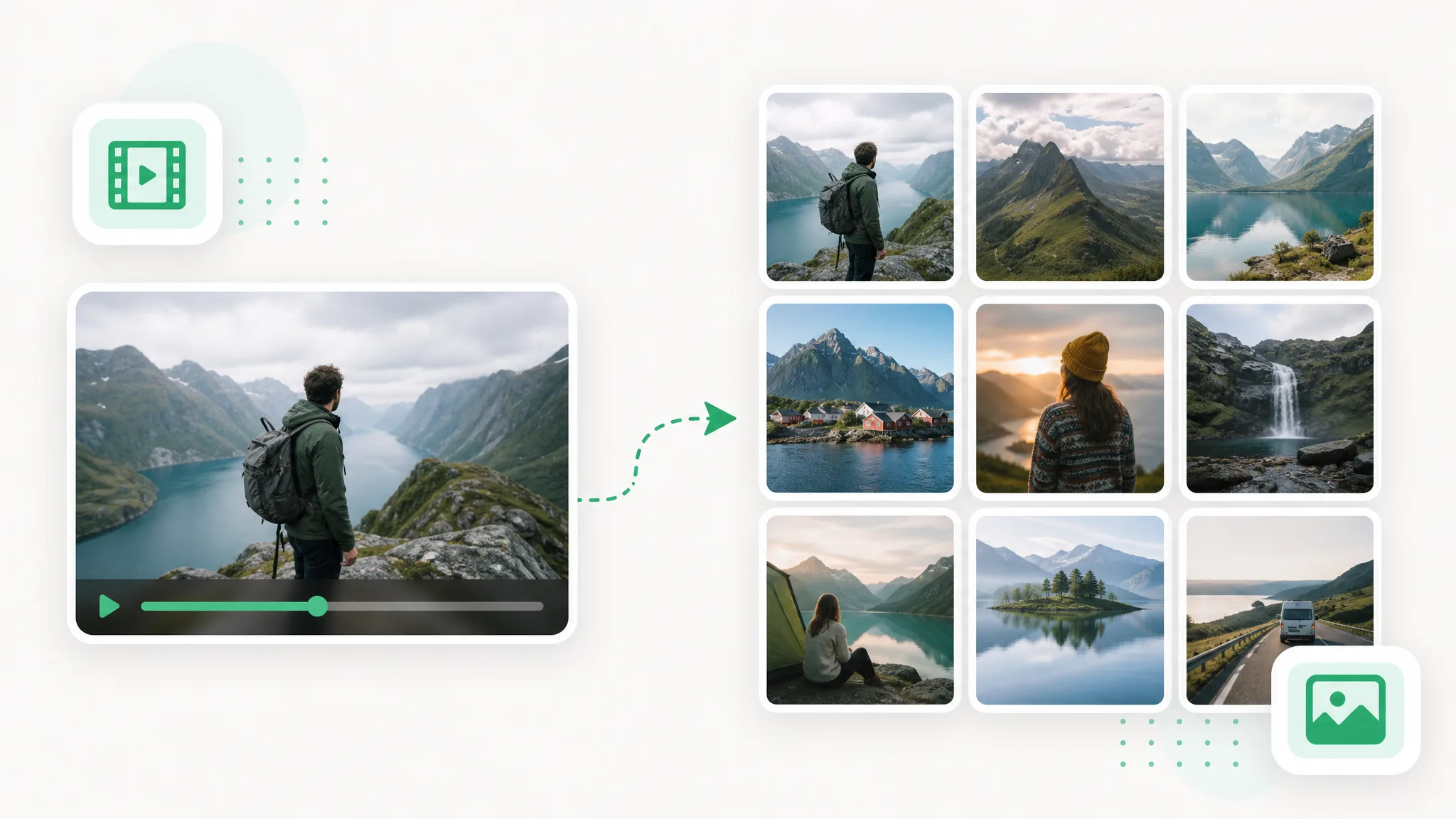
A grid of travel, food and creator stills, with one mountain portrait selected for a cover.

Presenters building a slide

Save a screenshot from video to anchor a presentation in a specific scene. A clear picture of the setting or demonstration can sit beside a short explanation. Use the downloaded still in your slide tool, keeping the original recording available when the audience needs to see the movement.

Outdoor stills arranged together as visual references.

Coaches reviewing an action

Choose a screenshot from video that makes a movement position easy to discuss. Compare nearby frames to find the most useful reference, then save it for an explanation or training note. The still records what the camera captured; it is not a measurement or an automatic motion analysis.

Consecutive views of a runner at different points in a stride.

Editors making a reference board

A video frame grabber can supply individual pictures for a visual plan. Pick a composition, color or subject position from your own footage and save the still. Arrange the downloaded pictures in your preferred board or editing project rather than relying on a screen capture of the player.

Pictures from a recording arranged in a design reference board.

Creator stories & examples

Screenshot From Video Project Stories

“For a ceramics lesson, I needed a screenshot from video showing where the handle met the cup. I compared nearby moments until my hand stopped covering the join. The saved PNG went beside a short note in the lesson slides, with the original clip available for the full movement.”
Ava WinslowPhotographer

Before saving your picture

Screenshot From Video Questions

Check how a screenshot from video keeps the source dimensions and how output formats differ. These answers distinguish one selected still from a sampled sequence.

A screenshot from video is one recorded frame saved as a separate image. This tool captures the video picture at its source dimensions, rather than including playback controls, the browser window or the surrounding screen.

Reviewed by RemoveVideoBG TeamUpdated

Save a Screenshot From Video You Can Reuse

Keep a screenshot from video that suits the project and download the still. Inspect it at full size, then bring it into your thumbnail, slide or reference workflow.

Choose Your Video Frame