Black Friday

2× credits on credit packs and your first month. Yearly plans get 6 extra months of credits.

Ends Dec 1, 11:59 pm PTGet the deal

License Plate Blur for Video, Right in Your Browser

Drop in an MP4, MOV or WebM clip, draw a box over each plate, pick blur or pixelate, and download an MP4 with the sound kept. The video stays on your device in this free license plate blur.

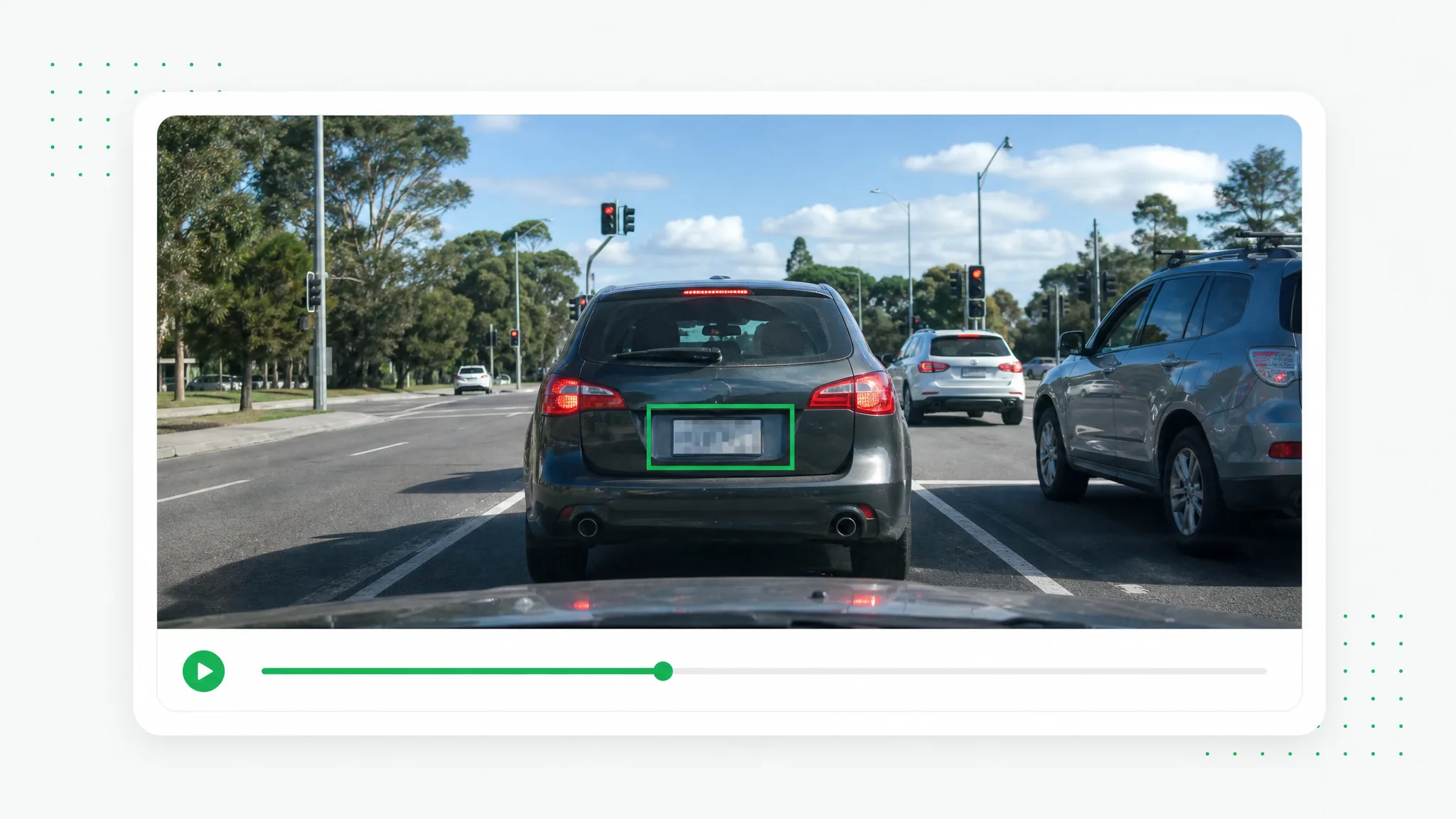
Dashcam view of a dark station wagon at a traffic light, its blurred rear plate framed by a green box above a timeline
or drop a file hereMP4, MOV, WebM
No video? Try one of these:

Your video never leaves your browser — every frame is processed on your device.

  • Free
  • No sign-up
  • No upload
  • No watermark
  • MP4 with the original audio
  • Runs in your browser

Before and after

License Plate Blur on Three Sample Road Clips

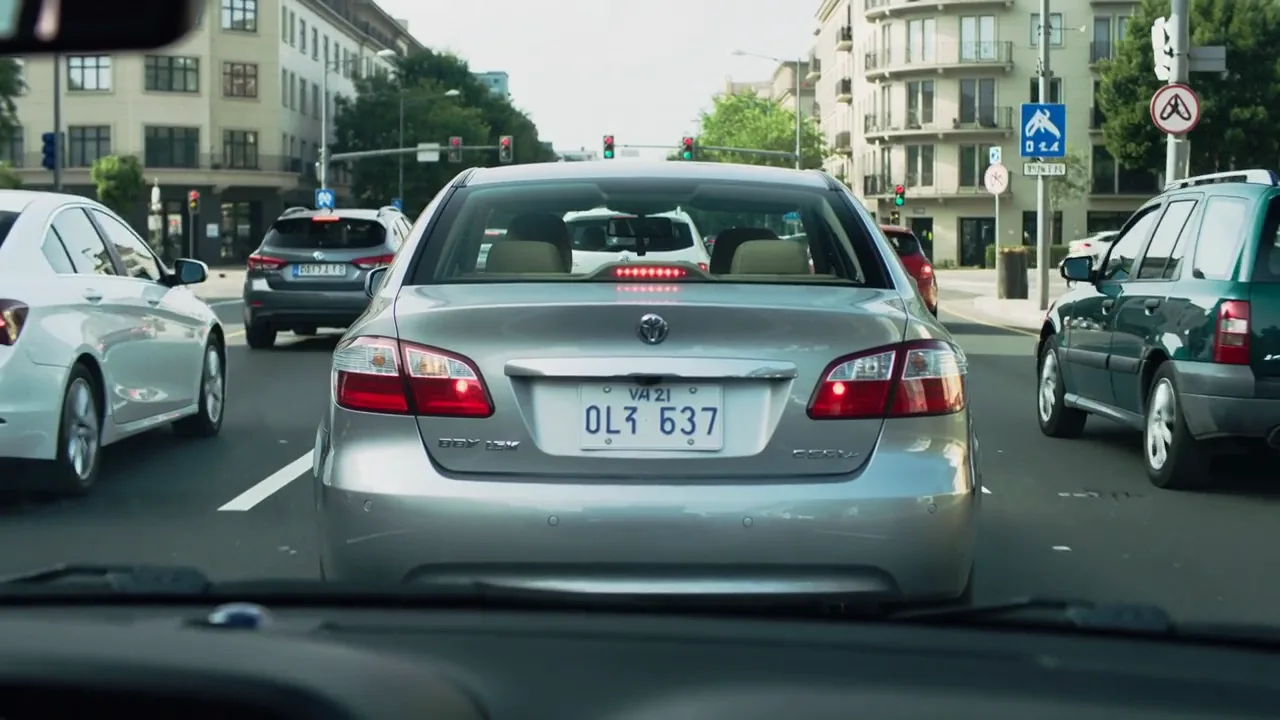
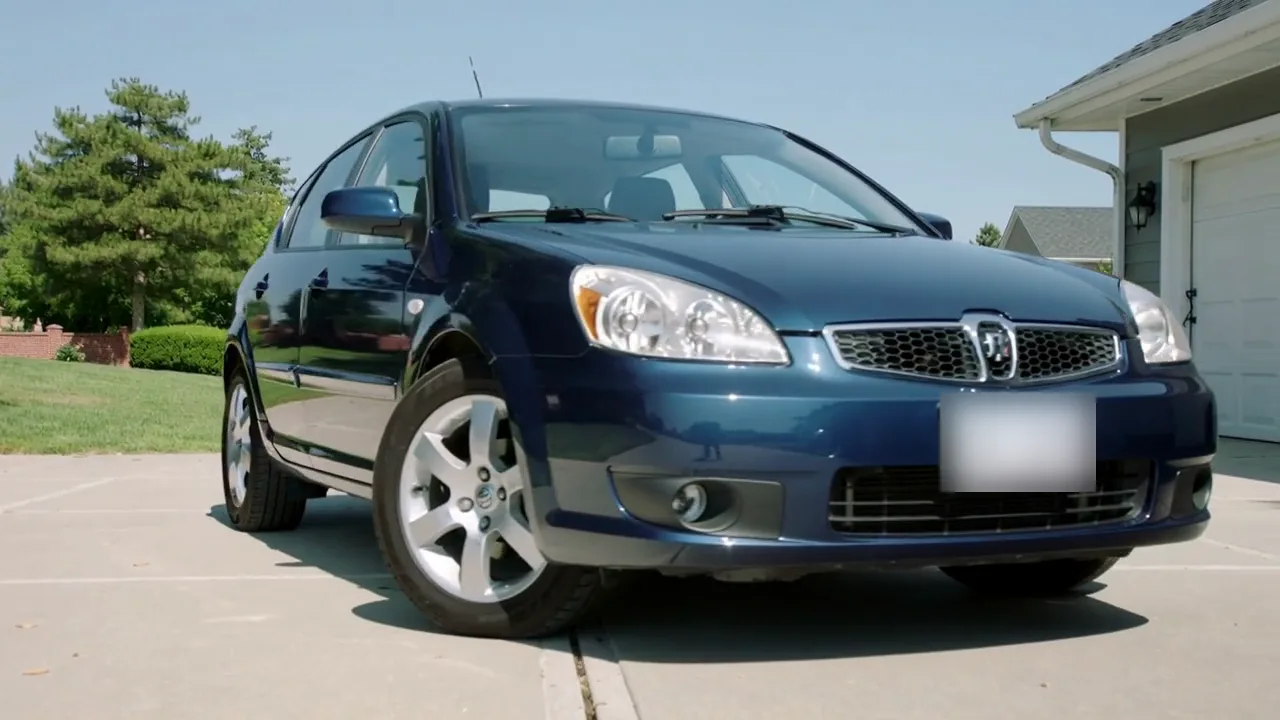
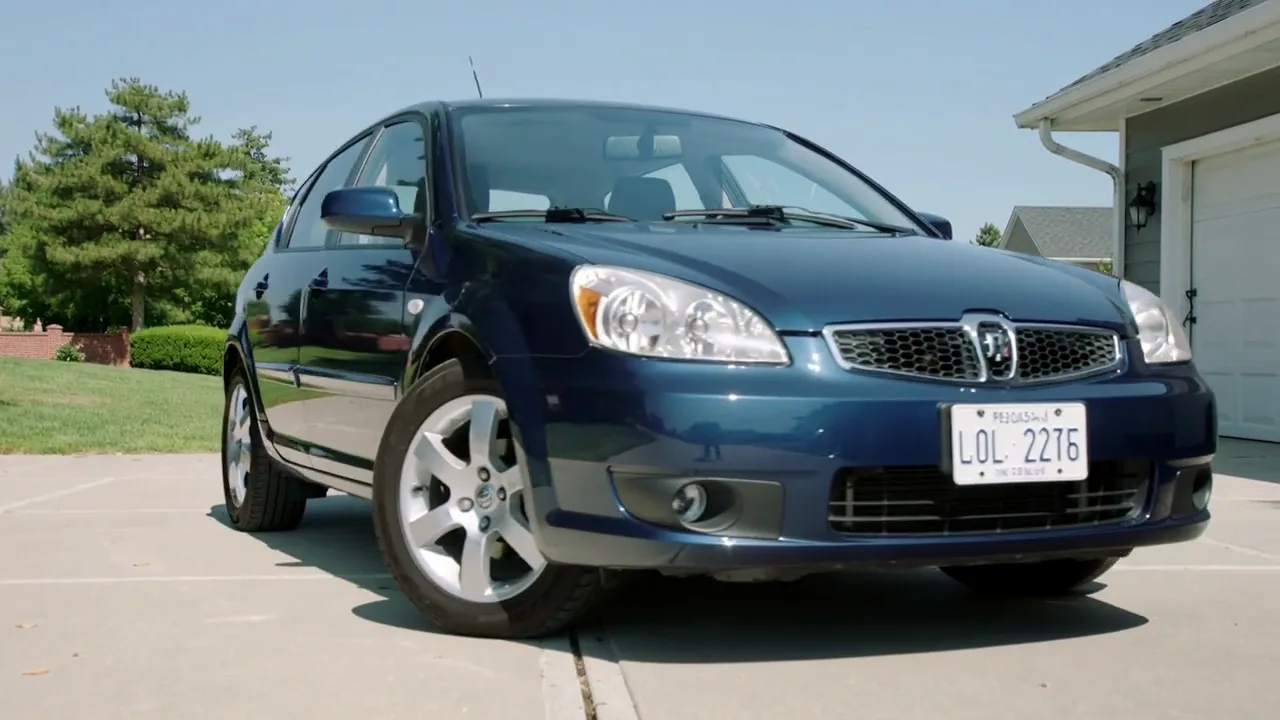
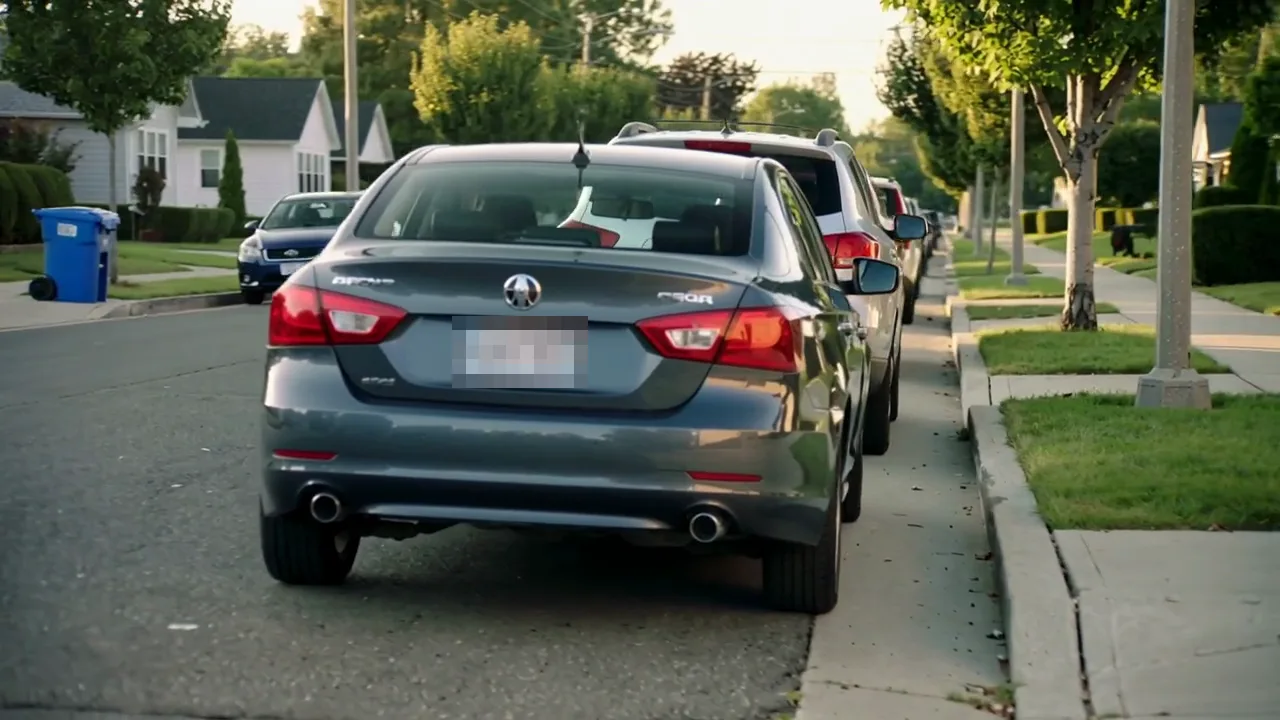
Each slider compares a still from one of the sample car clips above with the same frame after a license plate blur. A box was drawn by hand over every readable plate, and the car, the road and the background stay exactly as filmed.

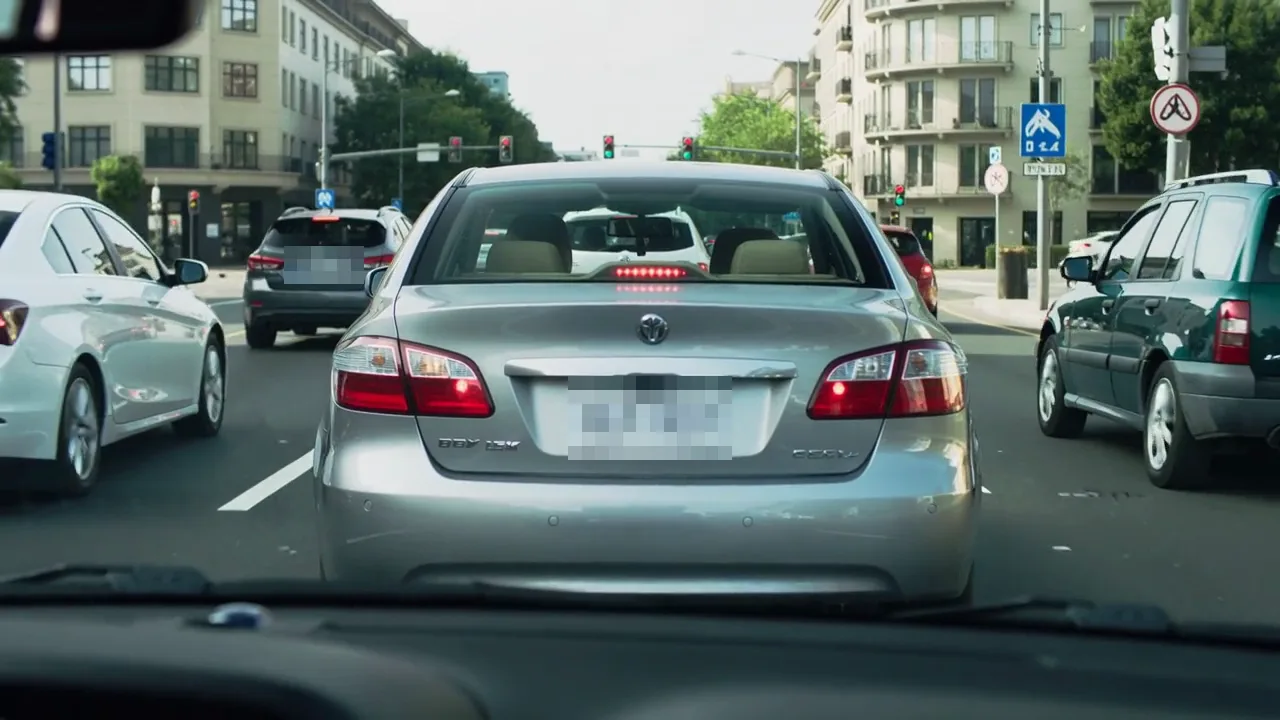
Dashcam in city traffic: Pixelate boxes drawn over the sedan ahead and a second plate in the next lane
Unedited source frame for the “Dashcam in city traffic” example
BeforeAfter

Dashcam in city traffic

Pixelate boxes drawn over the sedan ahead and a second plate in the next lane.

Car shown for a private sale: A Blur box covers the front plate of a hatchback parked in a driveway
Unedited source frame for the “Car shown for a private sale” example
BeforeAfter

Car shown for a private sale

A Blur box covers the front plate of a hatchback parked in a driveway.

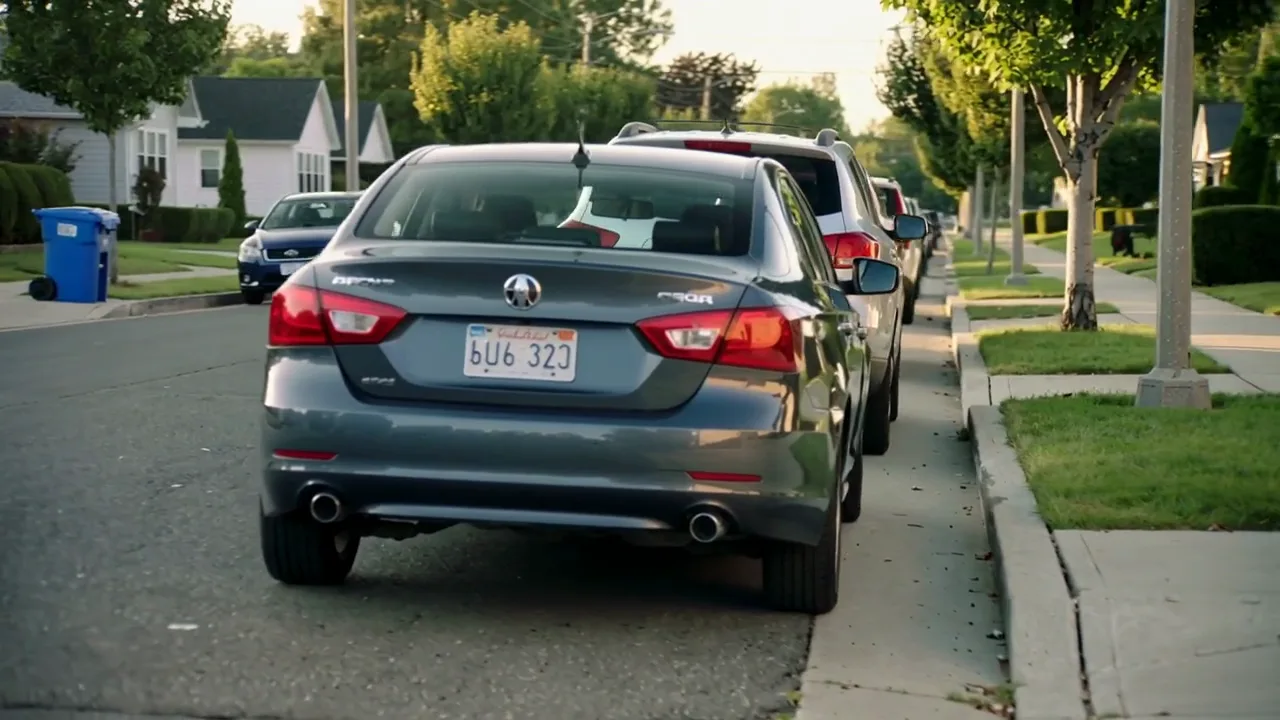
Parked cars on a quiet street: A license plate blur in Pixelate style hides the rear plate of a parked sedan
Unedited source frame for the “Parked cars on a quiet street” example
BeforeAfter

Parked cars on a quiet street

A license plate blur in Pixelate style hides the rear plate of a parked sedan.

Features

What you control in this license plate blur tool

This license plate blur gives you four controls: the cover style, when each box appears, where the file is processed and how many plates you hide in one pass. The rows below take them one at a time.

Blur or pixelate each plate

Every box has its own style. Pick Blur for a soft smear that blends into the bumper, or Pixelate for square blocks that read clearly as hidden, then raise the strength from 10 up to 100 until the characters are gone. One license plate blur can mix both styles, for example pixel blocks on a parked car close to the lens and a gentler blur on traffic in the distance.

Blur a Plate Now
Close-up of a gray SUV tailgate with the registration broken into large pixel blocks

A time range for every box

A plate rarely sits in the frame for the whole recording. Press Start here on the frame where a car pulls up and End here on the frame where it drives off, or keep Whole clip for a vehicle parked in view. Your license plate blur then switches on and off with that car, and the rest of the drive plays exactly as it was filmed.

Time Each Plate Box
Sedan driving past a gated driveway, with a highlighted section marked on the filmstrip timeline below

Private processing in your browser

Decoding, blurring and encoding all happen on your own computer, so the clip never travels to a server. That makes the license plate blur free to use as often as you like, with no account, no credits and no watermark on the export. It suits footage you would rather keep to yourself until it is ready, such as an incident clip you plan to share with an insurer.

Blur Plates Privately
Highway dashcam footage open in a browser window, with a green padlock shield badge in the corner

Several plates, one export

Traffic, parking lots and car meets often put several plates on screen at once. Add one box per plate, whether that means two or twenty, and give each its own style and timing so a far car and a near car can be treated differently. On export every box is rendered into a single file that matches the clip's original resolution, with the soundtrack carried over unchanged.

Box Every Plate
Black sedan on a tree-lined road with a green outline around its bumper plate and an SUV further ahead

How it works

How to Blur License Plate in Video in Three Steps

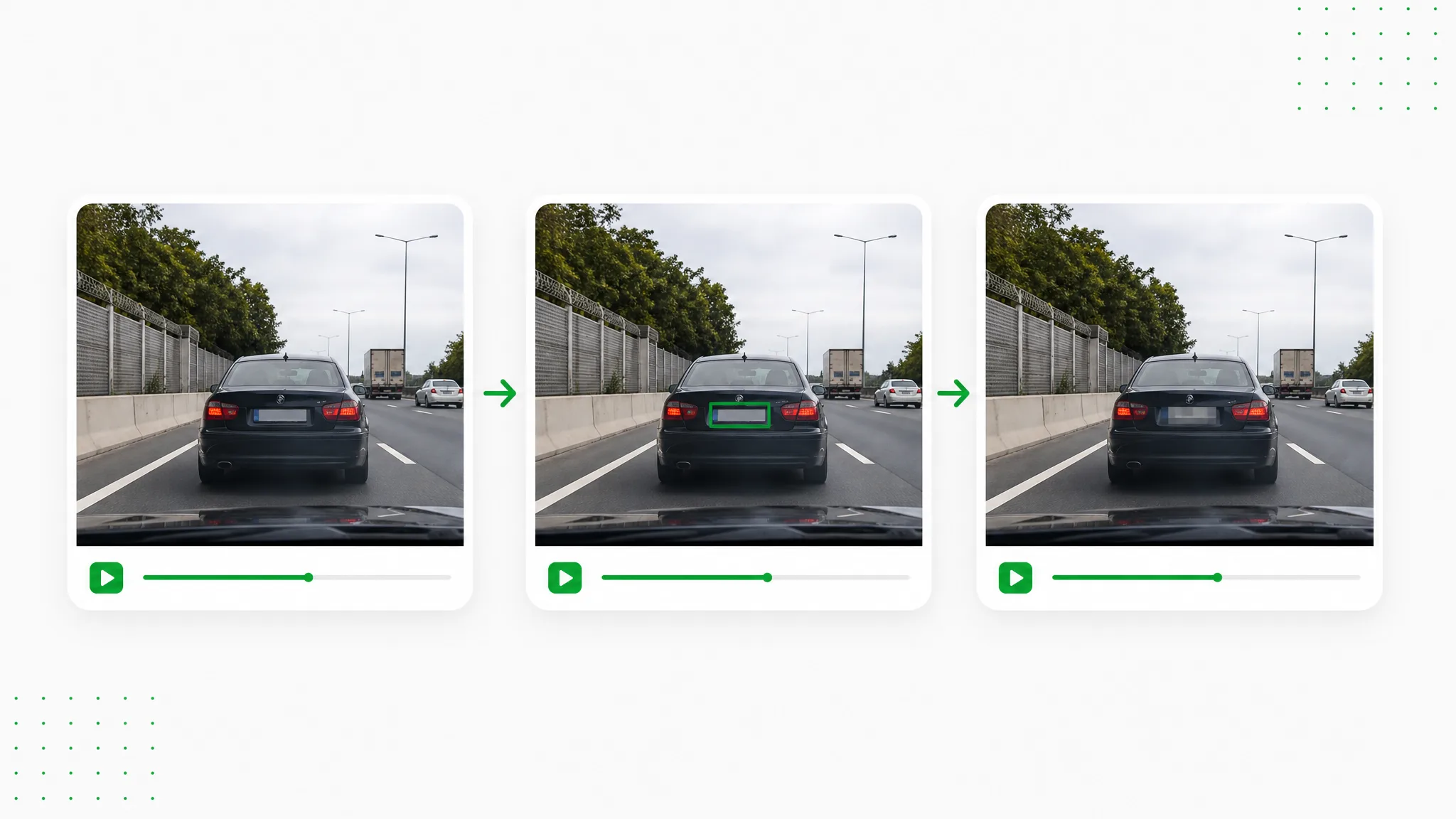
A license plate blur takes three steps here: open the clip, box each plate with its own timing, then export an MP4 and check it.

Three frames of the same sedan on a highway, the middle one with a green box drawn over its softened plate
  1. 1

    Open your road or car video

    Choose an MP4, MOV or WebM file up to 100 MB, such as a dashcam drive, a walkaround of a car for sale or a street vlog. The license plate blur opens it right in the page, so the footage stays on your device and no account is involved. Video processing runs in the latest Chrome or Edge.

  2. 2

    Draw a box over each plate

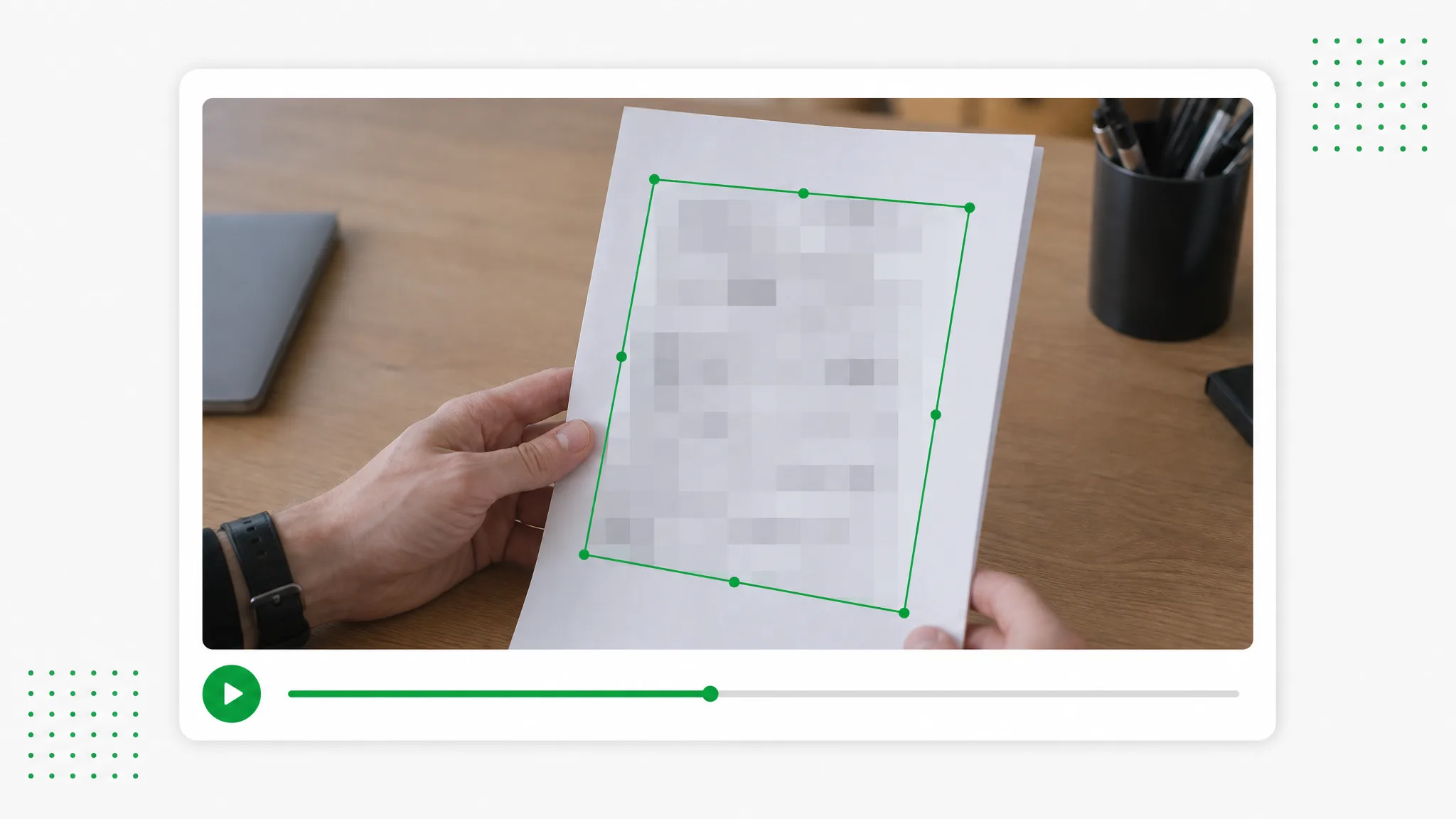
    Drag on the preview to box a plate, nudge the box into place or delete it, and add as many boxes as the scene holds. Set each one to Blur or Pixelate at a strength from 10 to 100, then press Start here and End here, or keep Whole clip. Boxes hold their position, so a car that drives on gets a second box for the next stretch.

  3. 3

    Export and check every plate

    Press Blur & Export to render an H.264 MP4 at the source resolution with the original audio copied across. While you scrub the source, boxes show only as outlines, so play the exported preview to confirm the license plate blur covers each plate through its time range, then choose Download video.

Project ideas

Where a license plate blur fits your footage

A license plate blur helps whenever a car turns up in footage you plan to publish. These four cases show the kind of recording, what gets boxed and where the edited video ends up.

Dashcam drivers

A near miss on the interstate makes a strong clip for YouTube or a driving forum, but the other driver's plate sits right in the middle of it. Box that plate for the seconds it is readable, export, and post the incident with the license plate blur in place while you keep the untouched original for your insurer or the police.

Driver's view along a highway behind a black hatchback carrying a yellow plate

Private car sellers

Sellers often film a walkaround of the exterior, cabin and trunk for a marketplace listing. Run a license plate blur on the shots where the front and rear plates appear, so buyers see the paint, wheels and interior while your registration stays private until a sale is agreed.

Gray SUV parked beside a lawn, with thumbnails of its rear, front seats and open trunk alongside

Home tours and neighborhood videos

A walk down the street for a home tour or a neighborhood update fills the frame with parked cars. Add a box per vehicle and keep Whole clip for the ones parked in view throughout, and the license plate blur keeps the neighbors' plates out of the published tour.

Residential street lined with parked cars and trees, with three alternate shots in a side strip

Travel and city vloggers

Talking to camera on a city sidewalk means cars slide past behind you. Mark the plate of a car that parks or idles in the shot, choose Pixelate for an obvious cover, and set Start here and End here around the seconds it is visible, so your face and the street scene stay sharp for the vlog.

Woman talking to the camera on a city sidewalk as a black SUV passes on the road behind her

Creator stories & examples

License plate blur in real kinds of road and car videos

“Our dashcam caught a pickup running a red light on Route 9, its plate readable for about 4 seconds. It stayed in its lane ahead of me, so I drew one Pixelate box a little wider than the plate, set Start here and End here around those seconds, and the license plate blur covered it the whole time. I posted the clip to our town's road-safety group.”
Marcus DelaneyRideshare Driver

Questions and answers

License plate blur FAQ

Answers to what people ask before they run a license plate blur: what it does, how to do it for free, moving cars, file types and the privacy questions behind it.

A license plate blur covers the letters and numbers on a vehicle's plate with blur or pixel blocks so the registration becomes unreadable. On this page you draw the cover yourself: a box over each plate, a style, a strength and a time range, while the rest of the frame stays exactly as recorded.

Reviewed by RemoveVideoBG TeamUpdated

Try a license plate blur on your next road clip

Open a dashcam drive, a car walkaround or a street vlog, box every plate that should stay private, set each box's timing and export an MP4 with the sound intact. The license plate blur runs free in your browser.

Blur Plates in a Video