GIF Background Remover with AI

Upload a GIF and RemoveVideoBG's AI cuts its moving subject out of the background. Download a transparent WebM, a video with a true alpha channel, to layer over web pages, video edits and overlays.

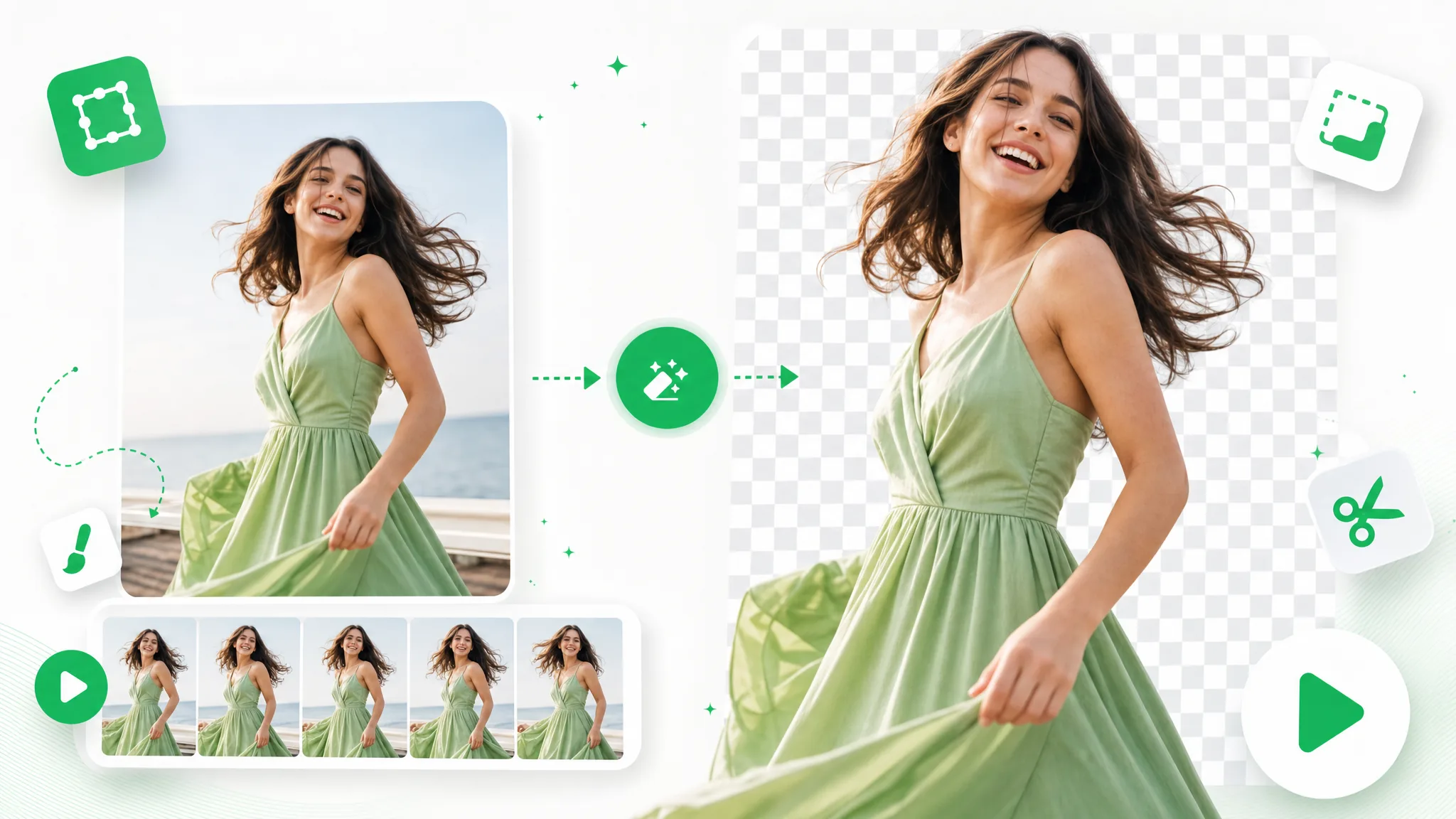
A laughing woman in a flowing green dress by the sea, a strip of clip frames below her and her cutout on a checkerboard.
or drop a file hereGIF · Max 60s · up to 1080p · 100MB
No video? Try one of these:
Free to try
  • No watermark
  • Transparent WebM export

Before / after

Before and after: the GIF background remover on sample clips

These sample clips show the cutout a GIF background remover makes: the subject stays and what is behind it goes. Move the slider over a clip to see the original and the result side by side; a GIF you upload comes back as a transparent WebM.

BeforeAfter

Creators & vloggers

A presenter prepared as a separate subject for another scene.

BeforeAfter

Sports & action

An action example showing the subject cut out on a transparent background.

BeforeAfter

3D character animation

An animated character shown separately from its original setting.

BeforeAfter

Game & VFX characters

An armored fantasy game character with a cape, cut out from its night-time landscape.

BeforeAfter

Social UGC & hauls

A creator and product example with the background removed.

BeforeAfter

AI & CGI footage

A sci-fi spaceship flying through storm clouds, cut out from the sky.

What you get

GIF background remover: a looping GIF becomes a transparent WebM layer

RemoveVideoBG's GIF background remover separates the moving subject of an animated GIF from what is behind it and hands it back as a transparent WebM. AI does the cutting, so what you work with afterwards is a single finished layer.

A transparent WebM with a real alpha channel

Output from the GIF background remover is a VP9 WebM whose background is genuinely see-through. Its alpha channel stores how transparent each pixel is, so partly see-through edges can blend into whatever sits behind the subject. Place the file over a web page section or a video timeline and the cutout keeps its own layer, ready to move, scale or restack.

Create a Transparent Clip
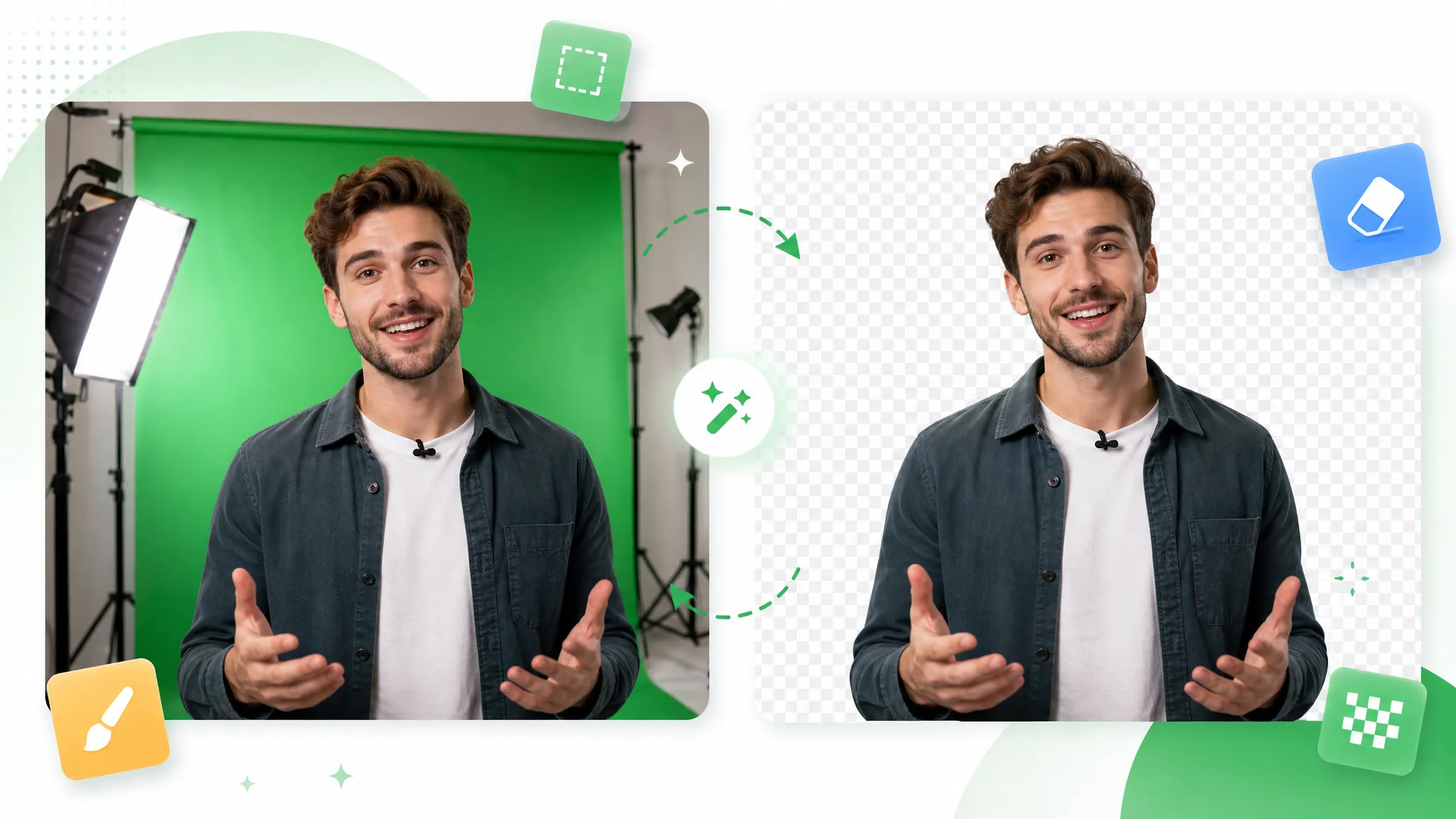
Three overlapping frames of a man in a green overshirt on gray sit beside a single cutout of him on a checkerboard.

AI cutouts instead of color matching

You do not pick a background color. The AI looks for the moving subject itself, which makes it a simple way to remove GIF background from reaction loops and clips with detailed scenery. Shelves, a street or a patterned wall all look the same once the GIF background remover is following the subject.

Use Your Own Footage
A comparison slider splits a woman dancing in a living room from the same woman cut out on a checkerboard.

Your GIF prepared in the browser

Your browser turns the GIF into a video before anything is sent, so the file that reaches the GIF background remover is a standard video. RemoveVideoBG then processes it in the cloud with nothing to install, and you download the finished WebM from the same page you uploaded on.

Cut Out Your Brand Video
A waving woman in a plain room at left, and in front of a mountain lake at right.

A preview before you download

Preview the processed animation in the tool before you download anything. You see the subject standing on its own, without the original scene, which makes it easy to judge whether the loop is ready for your page or edit. After downloading, place the WebM over a light and a dark background to see the cutout against each.

Start With One Clip
A smiling woman in a bedroom is shown beside her cutout, which has a thin white outline, on a checkerboard.

Step by step

How to remove background from GIF files in three steps

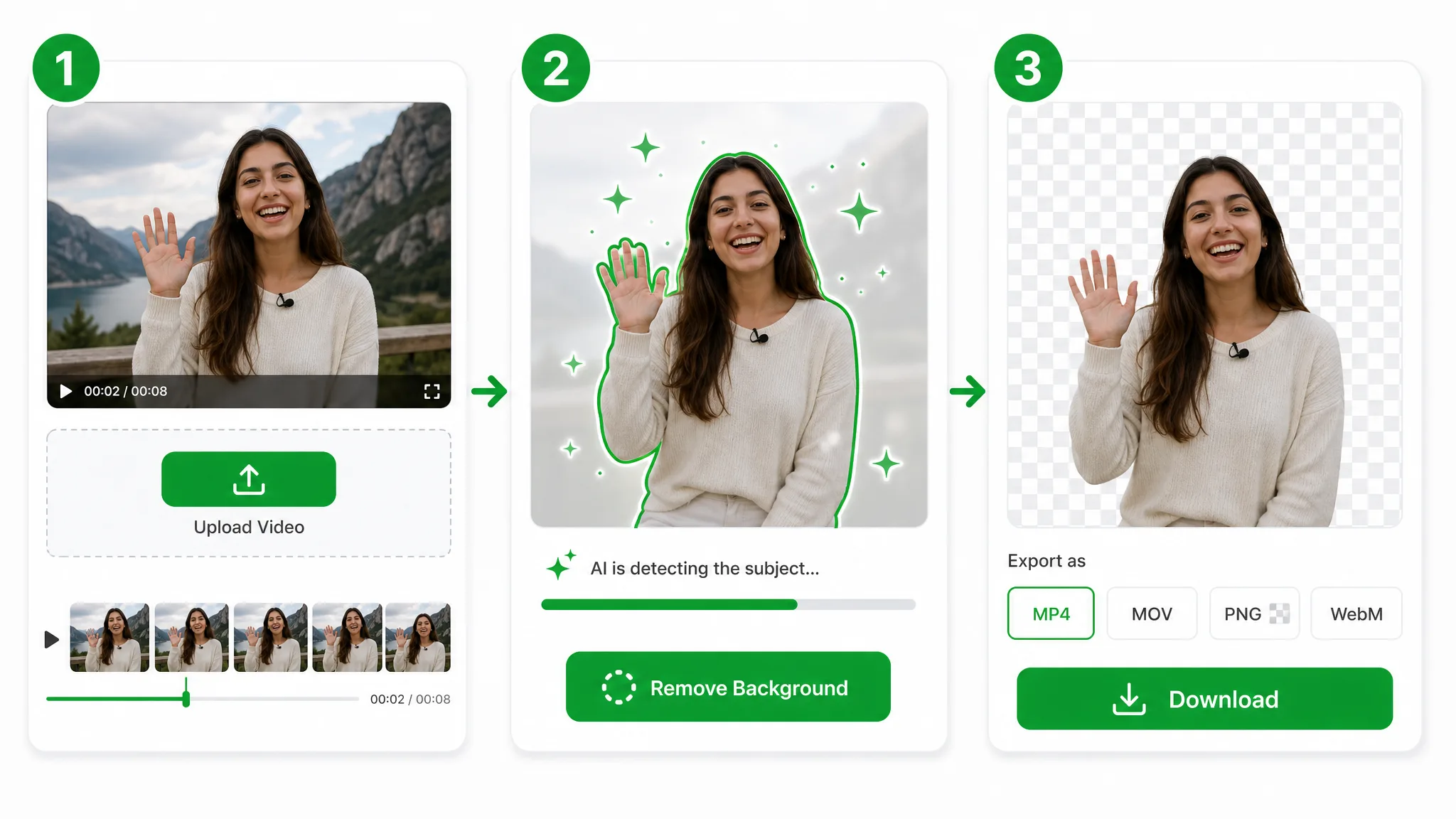
To make a GIF transparent with RemoveVideoBG, upload the animated GIF, start processing and download a transparent WebM. In three steps the GIF background remover takes you from the original loop to a layer for a page, a video edit or an overlay.

Three panels: a waving woman is uploaded, a green outline traces her as progress runs, then her cutout sits above Download.
  1. 1

    Upload your animated GIF

    Drop an animated GIF of up to 100 MB and 60 seconds onto the GIF background remover, or tap a sample thumbnail. A person reacting or waving makes a good first loop; your browser prepares the GIF as a video before it is sent.

  2. 2

    Start the background removal

    Press the button, which carries the credit quote for your clip, once the GIF is loaded. The cloud takes it from there: the AI picks out the moving subject on its own, so there is nothing to mask by hand.

  3. 3

    Check the loop and download the WebM

    Play the processed animation from start to finish and follow the outline from frame to frame, including hair, hands and moments of fast movement such as spins and quick turns. When the cutout looks the way you want, download the WebM from the GIF background remover and place it in your page or edit.

Project ideas

Ways to use a GIF background remover in your projects

Once a loop has no background of its own, it can serve as a transparent layer in a new project. These four ideas show where a GIF background remover sends the WebM next, from reaction edits to lesson videos.

Reaction clips for video edits

Take a reaction GIF of a person laughing, shrugging or celebrating, run it through the GIF background remover and place the WebM above your footage on the timeline. The reaction appears over the scene instead of inside a rectangle, which makes meme-style cutaways easy to build.

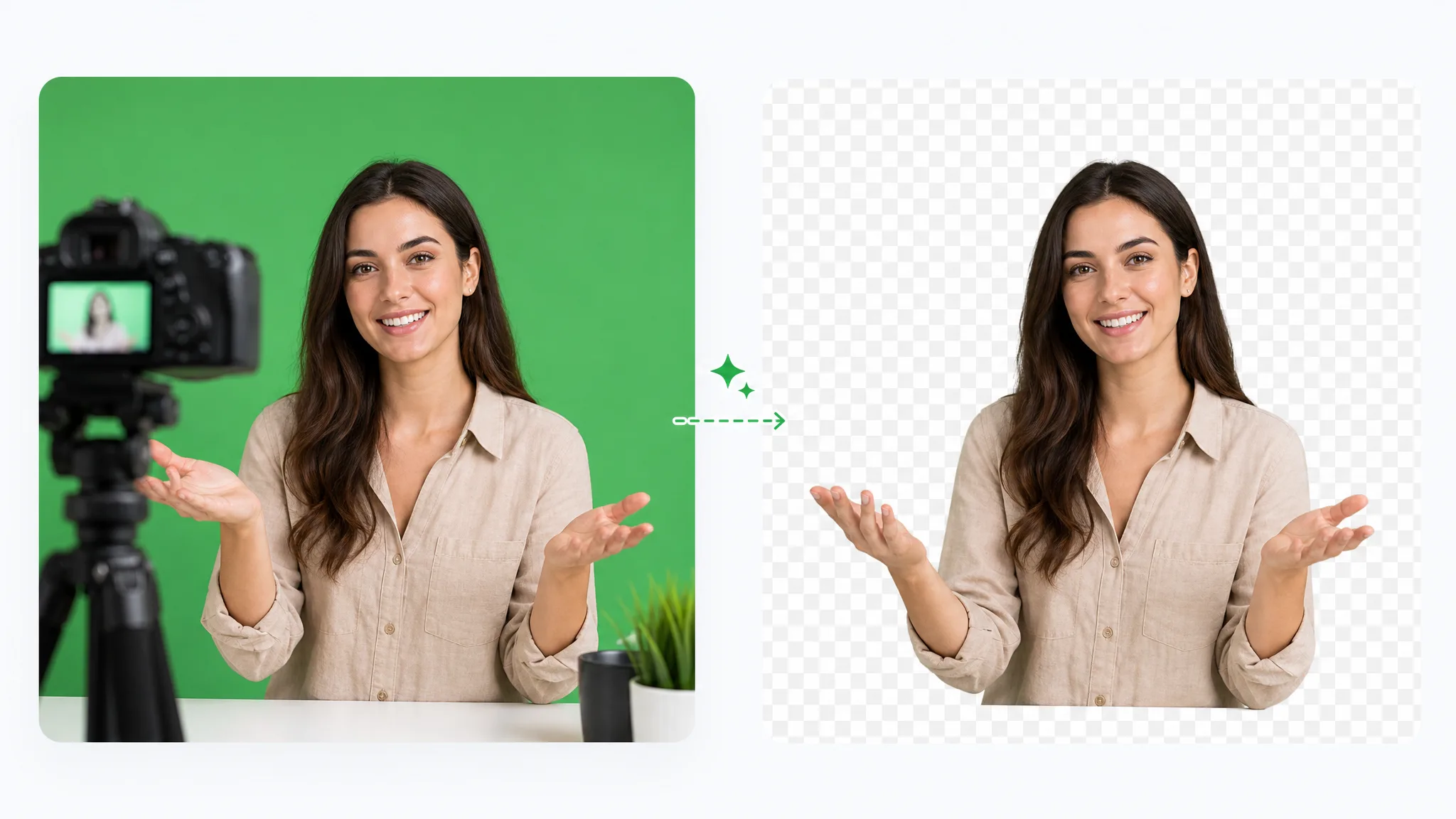
A woman in a green sweater laughs with fists up, then appears as a cutout on a checkerboard.

Meme and sticker-style graphics

Cut a person out of a short meme GIF, drop the WebM into a graphic or a video edit and stack it with text, arrows or other layers. With the GIF background remover, the subject leaves its original scene behind, so a single clip can appear in several compositions.

Surprised, a woman with her hair in a bun glances aside in a living room; her cutout on a checkerboard sits beside it.

Website animations

Turn a looping GIF of a host or guide into a transparent WebM for a landing page. Add it with a video tag set to loop, and the subject moves over your page background, whether that is a brand color, a gradient or a photograph.

In a bright studio, a woman holds a cobra pose, then the footage sits inside a browser window.

Lesson and explainer videos

Turn a GIF of a teacher or presenter gesturing at a point into a layer for a lesson video. After the GIF background remover cuts the subject out, place the WebM beside diagrams, captions or screen recordings and reuse it wherever the same gesture helps.

A woman with windblown hair tilts her face to the sun by the sea, then appears cut out alone on a checkerboard.

Creator stories & examples

How people remove background from GIF loops

“Subscribers kept sending the same reaction GIF, a woman gasping at a cake, and I wanted her popping up over the stream instead of sitting in a box. The transparent WebM from the GIF background remover went above my camera layer. Now she gasps beside the host, and the kitchen behind her has vanished.”
Hannah OkaforLivestream Producer

Questions and answers

GIF background remover FAQ

Answers to common questions about the GIF background remover: what file you get, how a transparent WebM differs from a GIF, how to use it and what you can upload.

A GIF background remover cuts the moving subject out of an animated GIF and removes everything behind it. RemoveVideoBG does this with AI, then hands the result back as a transparent WebM video that you can place over web pages and video edits.

Reviewed by RemoveVideoBG TeamUpdated

Remove GIF background from your next loop

Bring the animated GIF whose subject you want to reuse. RemoveVideoBG's GIF background remover cuts it out with AI and returns a transparent WebM for your page, edit or overlay, and you can start with free credits.

Upload Your GIF