Chroma Key Remover for Video with AI

Shot for chroma keying? Upload the video and RemoveVideoBG's AI cuts out the subject without asking you for a key color. Save the cutout as a transparent WebM, or as an MP4 or MOV on a solid color.

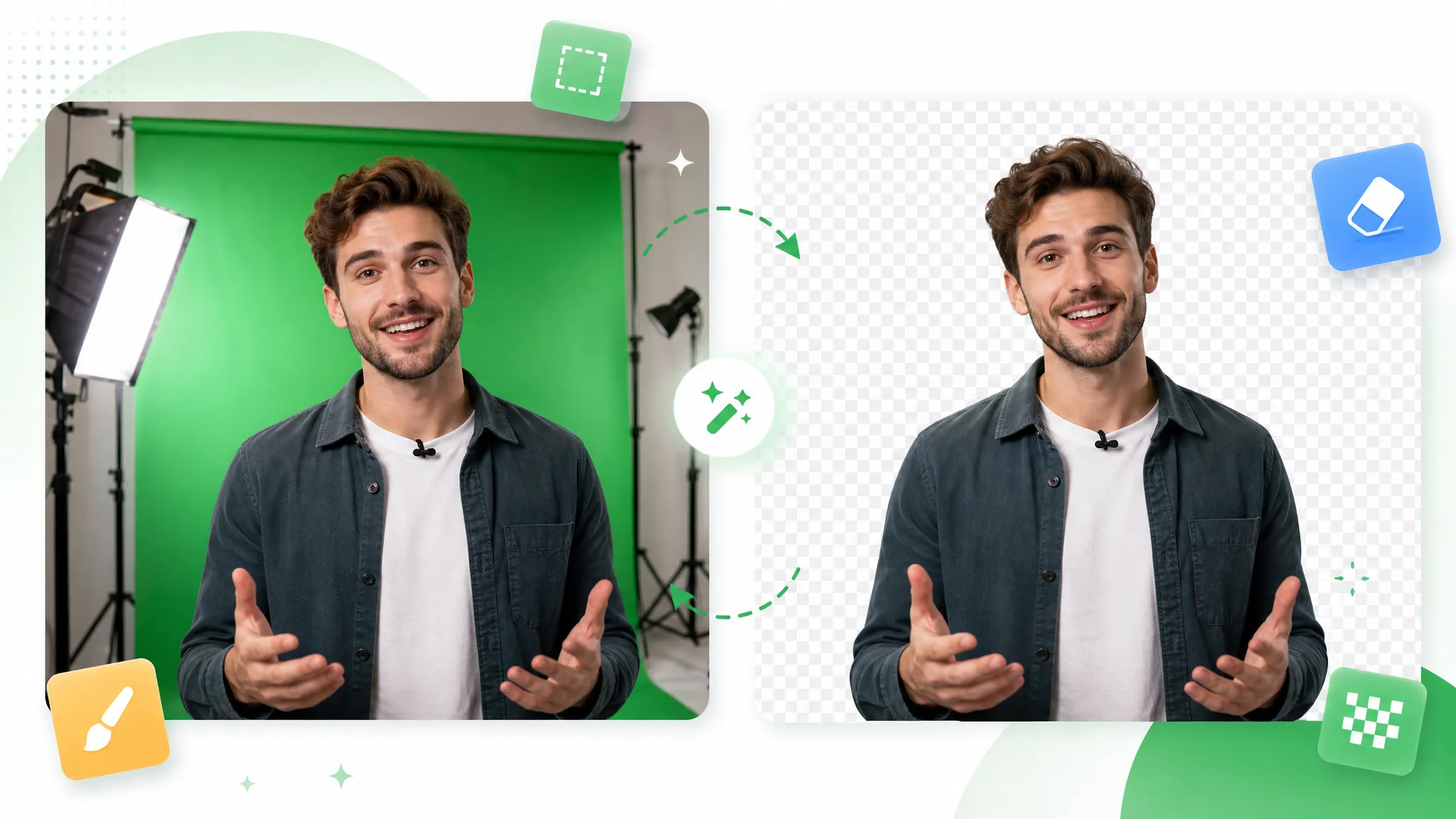
A man with a lapel mic gestures before a green backdrop and studio lights, then stands alone on a checkerboard at right.
or drop a file hereMP4, MOV, WebM · Max 60s · up to 4K · 100MB
No video? Try one of these:
Free to try
  • No watermark
  • Transparent WebM export

Before / after

Chroma key remover before and after on sample footage

The subject stays and the backdrop goes: that is what a chroma key remover does. Drag the slider on each sample, from a webcam recording to an animated character, to compare the original footage with the result before you try your own clip.

BeforeAfter

Webcam on green screen

A presenter talking to camera, on green and then transparent.

BeforeAfter

Presenter on green screen

A host holding a product box, on green and then transparent.

BeforeAfter

Game character on green screen

An armored game character, on green and then transparent.

BeforeAfter

Action footage off green

A surfer on a board, on green and then transparent.

BeforeAfter

Animated character off green

A stylized animated character waving, on green and then transparent.

BeforeAfter

VFX shot off green

A CGI spaceship in flight, on green and then transparent.

Workflow benefits

A chroma key remover that turns one take into a reusable layer

A chroma key remover turns one take into four useful results: a transparent layer, a cutout from the subject, a finished backdrop and a clip that keeps its voice, all from a single upload.

A transparent layer from keyed footage

Upload a take shot against a chroma key backdrop and the chroma key remover hands back the subject as a transparent WebM with a true alpha channel. The layer stays separate from whatever sits behind it, so a lesson, a web page or a title sequence can swap its scenery without keying the take a second time.

Create a Transparent Clip
In a video player, a woman in a black shirt is on a green backdrop at left and alone on a checkerboard at right.

A cutout from the subject, not a color

A color keyer removes whatever matches the color you pick. This chroma key remover works from the subject itself: the AI finds the person, product or character and leaves the rest of the frame behind, and you judge the result in the preview before you download it. It takes the place of the keying step for footage you have already recorded.

Use Your Own Footage
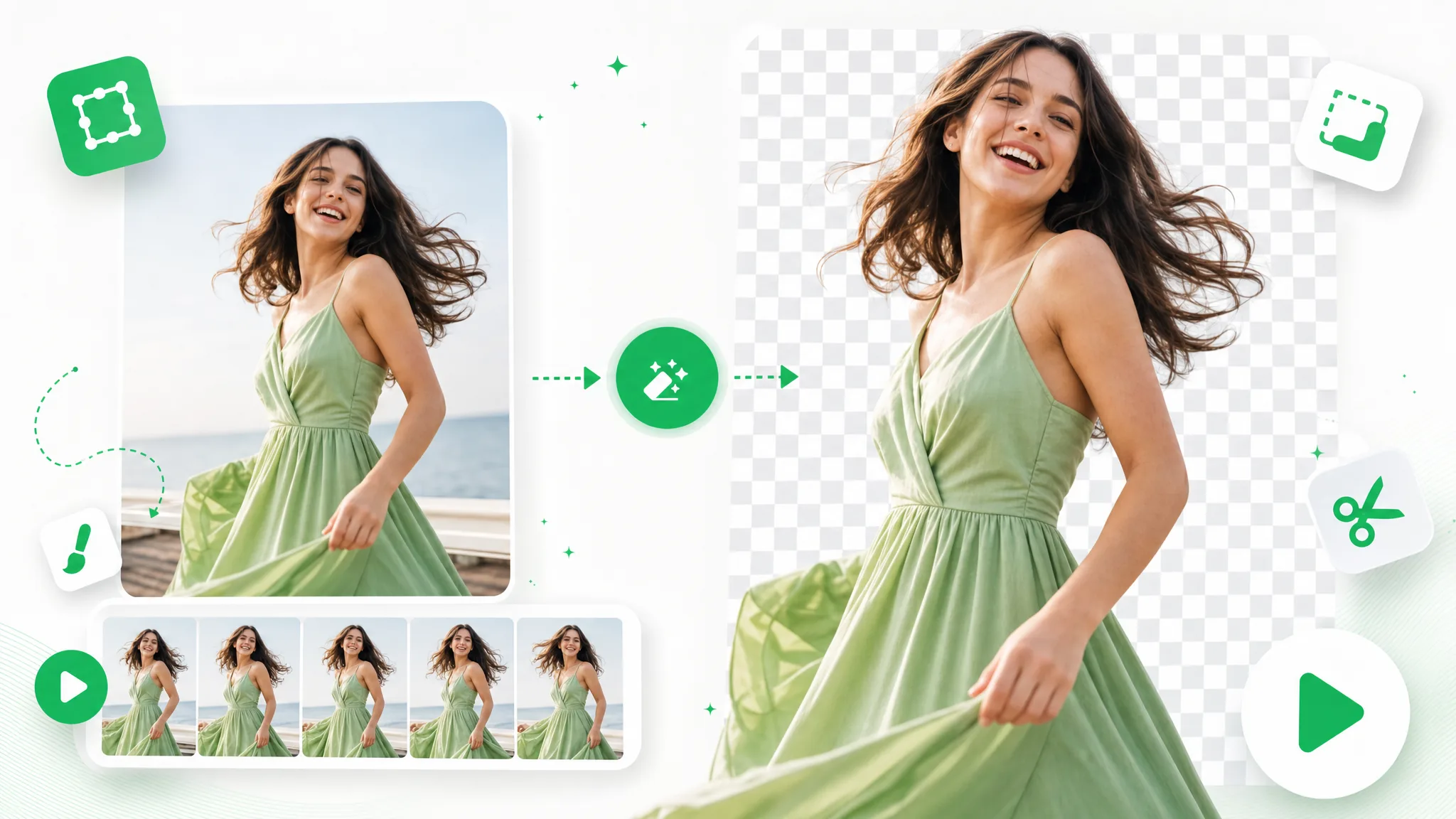
Hair flying as she turns, a smiling woman is shown on green and again on a checkerboard with loose strands intact.

A finished backdrop inside the file

When the next step needs a ready background instead of a layer, the chroma key remover can place the subject on one of nine preset colors or on a picture you upload. The result is a finished clip, so it suits a lesson, a title card or a product page without a second compositing pass.

Cut Out Your Brand Video
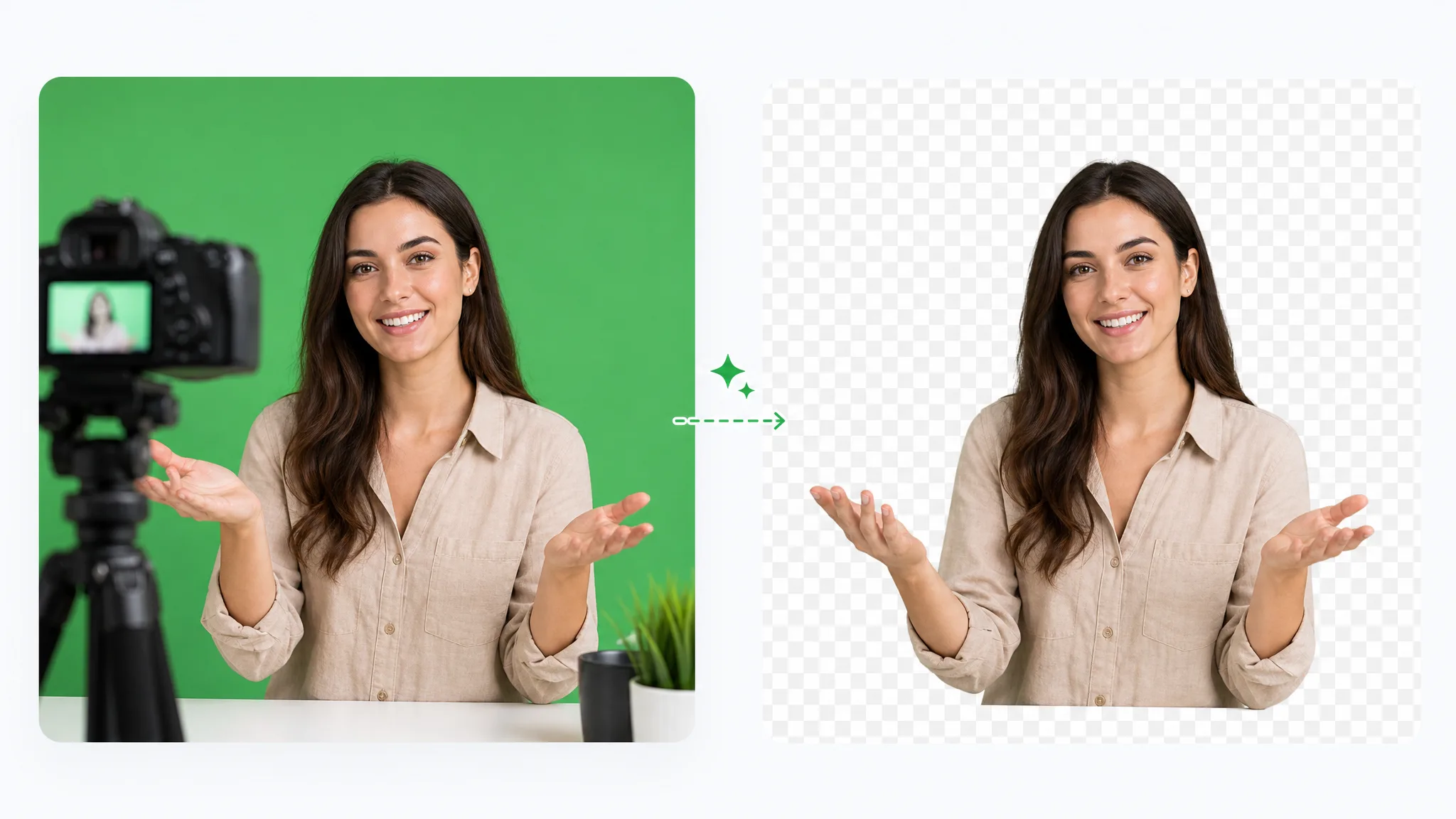
A presenter in a white blouse on green, then in a bright room with a plant.

Talking-head takes keep their sound

A reaction, a lesson or a facecam works best with its voice. Choose a preset solid color and the MP4 or MOV you download carries your original audio along with the cutout, ready for captions and cutaways in your editor. A picture background gives an MP4 with the image alone, ready for a soundtrack of your own.

Start With One Clip
A streamer in headphones laughs on green and over dark game footage.

Step by step

How to use a chroma key background remover online in three steps

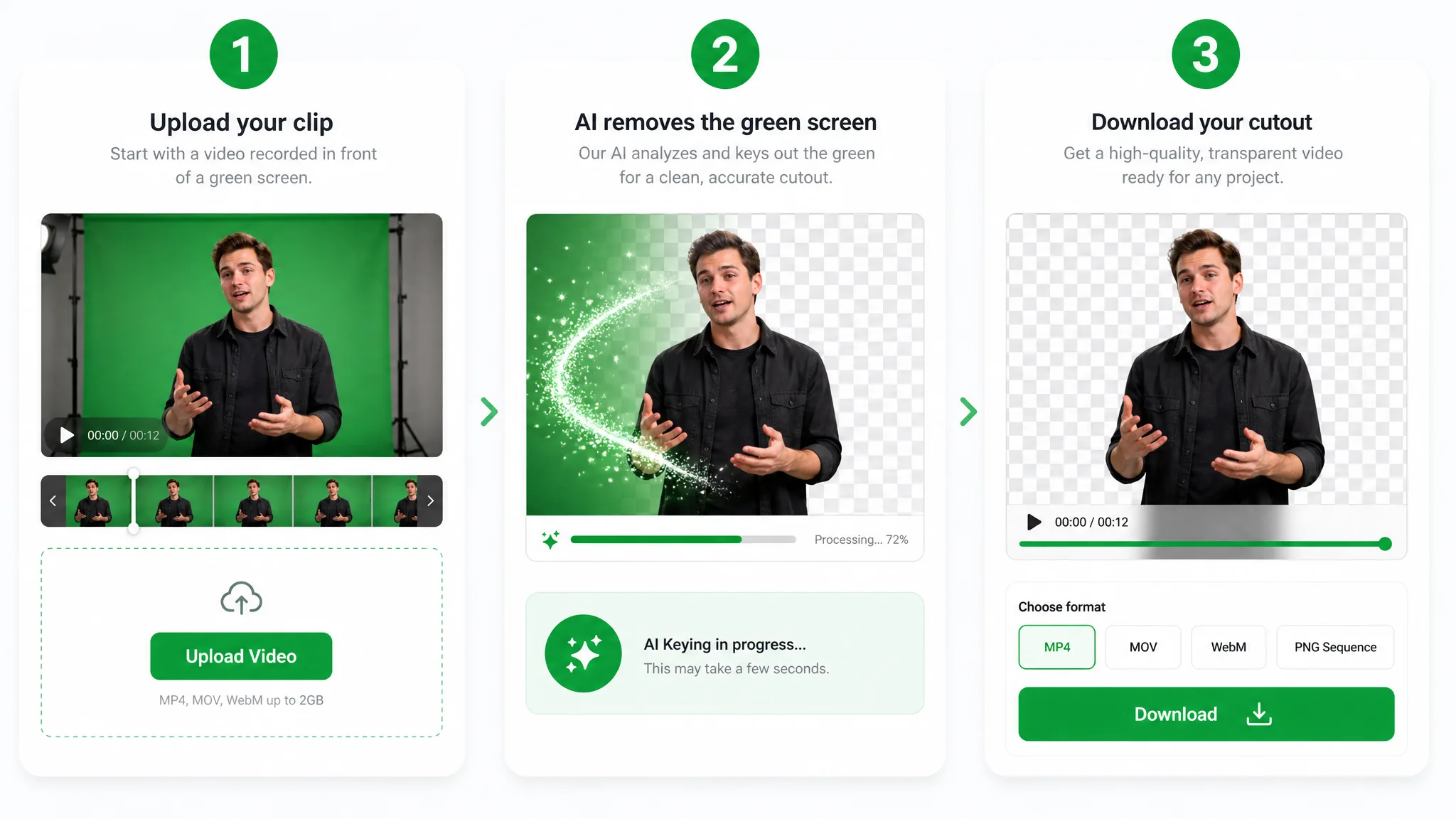
Using a chroma key remover online takes three steps: upload your clip, choose a background and download the result. Each step below takes a recording from your device to a cutout that is ready for your next edit.

Three panels: a man on green is uploaded, sparkles sweep the green away, then his cutout appears above a Download button.
  1. 1

    Upload your chroma key video

    Drag in the recording you shot for keying; MP4, MOV and WebM video up to 100 MB all work, and a sample clip is there if you want to look around first. Since the chroma key remover reads the subject rather than a backdrop color, there is no key color to set up before you continue.

  2. 2

    Choose the background and start processing

    Set Background to Transparent for a WebM layer, Solid color for an MP4 or MOV, or Background image for an MP4. The credit quote appears before you confirm, and the cloud queue behind the chroma key remover handles the rest while you wait.

  3. 3

    Check the edges and download

    Play the WebM or MP4 preview and look closely at hair, hands and fast motion. For a transparent result, switch the preview backdrop between checkerboard, dark and light to judge the outline, then download the file that suits your edit.

Project ideas

Where a chroma key remover fits into your projects

A chroma key remover helps wherever footage filmed against a chroma key backdrop needs a new scene. These four examples show where the result goes once the backdrop is gone, from a gameplay edit to a product page.

Live streaming & gaming

Record a facecam against your chroma key backdrop and run it through the chroma key remover once. The transparent WebM then layers over a recorded match, short clip or channel trailer, so your face stays on its own layer while the gameplay changes underneath.

Cheering with both fists up, a man in a gaming headset and chair sits before a green curtain, then alone on a checkerboard.

Reactions & commentary

Film a reaction or commentary take once, then lift yourself off the backdrop with the chroma key remover. Put the layer beside the clip you are discussing and add captions and cutaways, so one recording can carry a whole episode.

A bearded man in a black hoodie and earbuds looks shocked on green, then is cut out beside a dragon facing a warrior.

Virtual sets & studios

Take a presenter recorded for a virtual studio and place the transparent WebM over your studio artwork for a course module or a channel segment. Add lower thirds and a soundtrack in your editor once the layer is in place.

On a lit green set, a presenter in a black blouse and beige trousers talks, then stands in a news studio with city windows.

Product demos & ads

Shoot hands and products against a plain chroma key backdrop, then use the chroma key remover to prepare each demonstration as a transparent layer. Set the product over campaign artwork, a brand color or a shop banner, and reuse the same take across every version of the ad.

Holding up a black bottle, a woman speaks on green, then in a bright room with a potted plant and a wooden cabinet.

Creator stories & examples

What creators make with a chroma key remover

“My yoga-studio client records each class in front of a plain wall, and my old keyer kept eating the fringe of her scarf. I ran a take through the chroma key remover and downloaded the transparent WebM. Over the sunrise graphic her scarf kept its soft edge, and the class page finally looked as calm as the class.”
Ines CallowayWellness Video Editor

Questions and answers

Chroma key remover FAQ

A chroma key remover takes the backdrop out of a recorded video; these answers cover the files you get back, what you can upload and how to check the result.

A chroma key remover takes the plain backdrop out of footage filmed for chromakey, so the subject can enter a new scene. RemoveVideoBG's version works on video with AI: you upload an MP4, MOV or WebM clip, not a still picture, and get the subject back as a transparent WebM.

Reviewed by RemoveVideoBG TeamUpdated

Try the chroma key remover on your next video

Upload a clip shot for keying and let the chroma key remover cut out the subject. Take the transparent layer or the finished backdrop version into the lesson, stream edit or product page you are building, and start with free credits.

Remove Chroma Key From Video